1
Reviewing and editing
A smarter way to find and enjoy your pictures
Tag pictures by keywords to make them easy to find, later. For example, the camera
can find all pictures that contain “Mary” or “Dad’s 60th Birthday.” (See Tagging with
keywords, page 15.)
You can also find pictures by date taken or if it’s marked as a favorite.
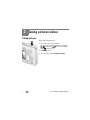
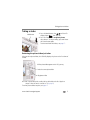
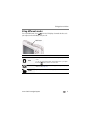
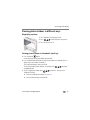
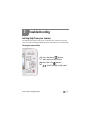
1 Press the Review
button.
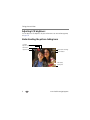
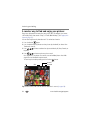
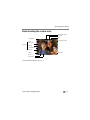
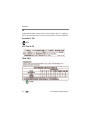
2 Press the Wide Angle (W) button to view pictures by thumbnail (or choose View
Thumbnails shortcut).
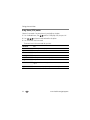
3 Press
Keyword.
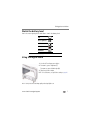
to choose a tab and sort pictures/videos by All, Date, Favorite, or
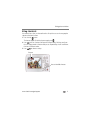
4 Press
to choose a picture or picture stack.
Press Telephoto (T) see pictures in a stack or to see an individual picture. Press Wide
Angle (W) to see thumbnails or picture stacks.
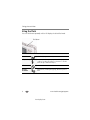
To return to picture-taking mode, press the Review
All
Date
button.
Favorites
Keywords
Tip: For best results, make sure the camera’s date/time is current (see page 30).
20
www.kodak.com/go/support