1
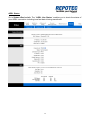
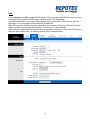
VLAN
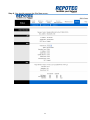
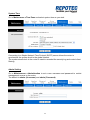
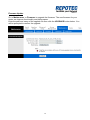
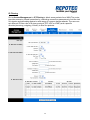
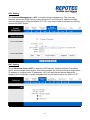
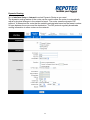
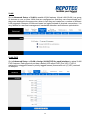
Go to Advanced Setup -> VLAN to enable VLAN features. Virtual LAN (VLAN) is a group
of devices on one or more LANs that are configured so that they can communicate as if
they were attached to the same wire, when in fact they are located on a number of different
LAN segments. Because VLANs are based on logical instead of physical connections, it is
very flexible for user/host management, bandwidth allocation and resource optimization..
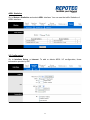
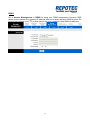
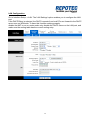
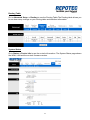
VLAN PVID
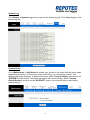
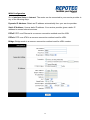
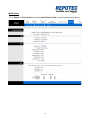
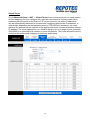
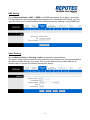
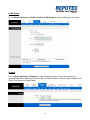
Go to Advanced Setup -> VLAN-> Assign VLAN PVID for each interface to setup VLAN
PVID features. Each physical port has a default VID called PVID (Port VID). PVID is
assigned to untagged frames or priority tagged frames (frames with null (0) VID) received
on this port.
48