1
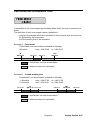
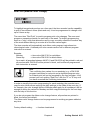
Deleting cards with Carryover of Weekly Qualification Hours
and Deletion of Totals
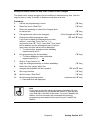
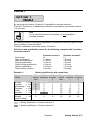
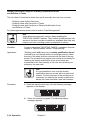
The unit offers 3 functions to delete time cards manually from the time recorder:
- Deleting cards without Carryover
- Deleting cards with Carryover of Totals
- Deleting cards with Carryover of Weekly Qualification Hours
and Deletion of Totals
For these applications please refer to section "Card Management”.
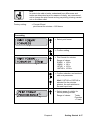
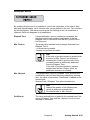
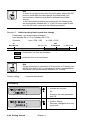
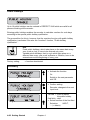
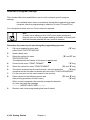
Hint
Users should be extremely cautious about enabling the
"DELETING CARDS" features. They enable virtually anyone with
access to the time recorder to delete any available time card and
makes your time recording system susceptible to misuse.
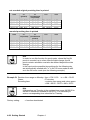
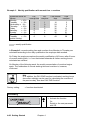
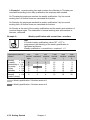
Condition:
Function parameter "DELETING CARDS" is enabled. See also
chapter 4, Getting Started, section "Programming".
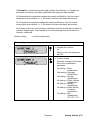
Application:
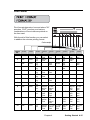
"Deleting cards with carryover of weekly qualification hours"
is suited for a card change within an actual pay period, where
the end of the week does not coincide with the end of the pay
period. The worked hours (regular and overtime) necessary for
reaching the weekly qualification in the actual week are
transferred to the card memory of the new card and they are
printed on the new card.
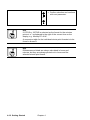
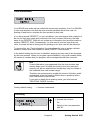
Hint
It is not possible to carry over the weekly
qualification hours to a card with the same card
number. For the carryover of the worked hours
necessary for reaching the weekly qualification,
always us a new card with a new card number
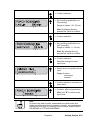
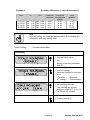
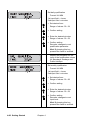
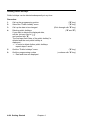
Procedure:
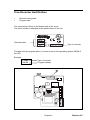
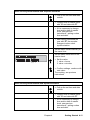
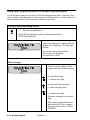
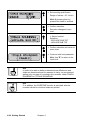
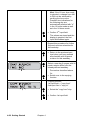
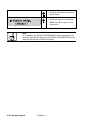
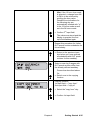
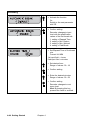
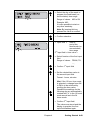
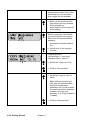
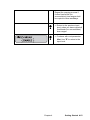
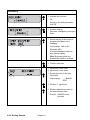
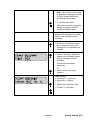
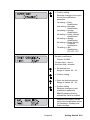
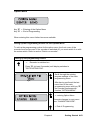
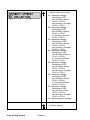
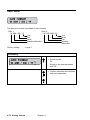
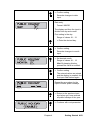
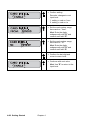
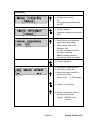
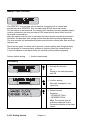
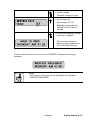
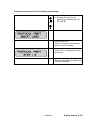
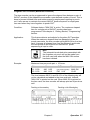
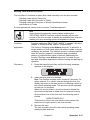
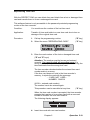
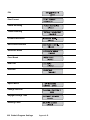
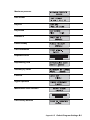
1. Press the black function key until the following message
appears on the display:
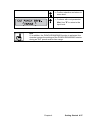
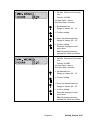
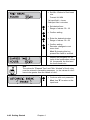
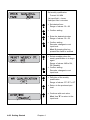
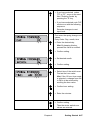
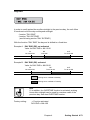
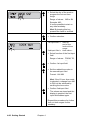
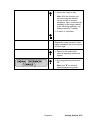
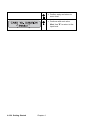
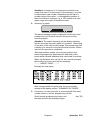
2. Press the function key again. The following display
message appears:
5-16 Operation
Chapter 5