1
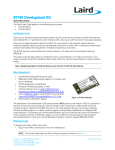
BT740 Development Kit
Quick Start Guide
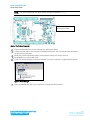
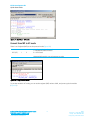
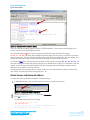
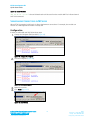
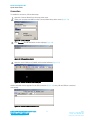
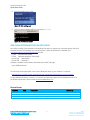
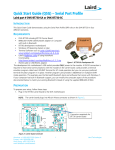
NOTE: The carrier board plugs into 40-pin Hirose connector as shown in Figure 2.
Connector receptacle for
BT740 carrier board
Figure 2: Carrier board connector
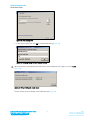
Connect RS232/USB-RS232 to the computer and development board.
Connect the USB cable to the computer and development board. TP2 is the power switch and there is
an LED for power indication.
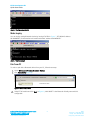
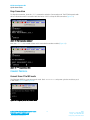
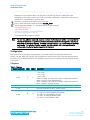
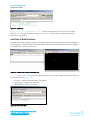
Install your preferred terminal program. We recommend using Laird / Ezurio Terminal.
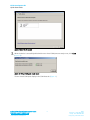
Install MpBtHost, if utilising MP mode.
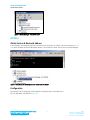
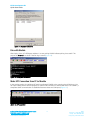
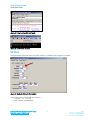
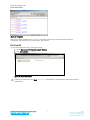
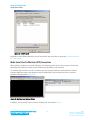
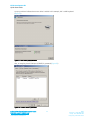
Check your Device Manager to determine whether or not your computer is equipped with Bluetooth.
Figure 3: Device Manager
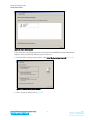
Plug in the BRBLU03-010A0 if your computer is not equipped with Bluetooth
Embedded Wireless Solutions Support Center:
http://ews-support.lairdtech.com
www.lairdtech.com/bluetooth
2
Laird
Americas: +1-800-492-2320
Europe: +44-1628-858-940
Hong Kong: +852 2923 0610