1
Chapter 3. Cloning Around
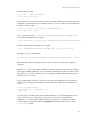
$ git add .
$ git commit -m "Initial commit"
then clone it:
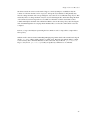
$ git clone . /some/new/directory
Now go to the new directory and work here instead, using Git to your heart’s content. Once in a while,
you’ll want to sync with everyone else, in which case go to the original directory, sync using the other
version control system, and type:
$ git add .
$ git commit -m "Sync with everyone else"
Then go to the new directory and run:
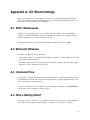
$ git commit -a -m "Description of my changes"
$ git pull
The procedure for giving your changes to everyone else depends on the other version control system. The
new directory contains the files with your changes. Run whatever commands of the other version control
system are needed to upload them to the central repository.
Subversion, perhaps the best centralized version control system, is used by countless projects. The git
svn command automates the above for Subversion repositories, and can also be used to export a Git
project to a Subversion repository
(http://google-opensource.blogspot.com/2008/05/export-git-project-to-google-code.html).
3.10. Mercurial
Mercurial is a similar version control system that can almost seamlessly work in tandem with Git. With
the hg-git plugin, a Mercurial user can losslessly push to and pull from a Git repository.
Obtain the hg-git plugin with Git:
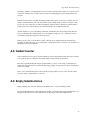
$ git clone git://github.com/schacon/hg-git.git
or Mercurial:
$ hg clone http://bitbucket.org/durin42/hg-git/
Sadly, I am unaware of an analogous plugin for Git. For this reason, I advocate Git over Mercurial for the
main repository, even if you prefer Mercurial. With a Mercurial project, usually a volunteer maintains a
14