1
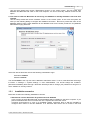
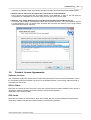
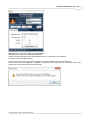
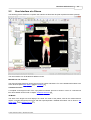
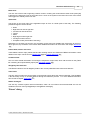
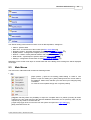
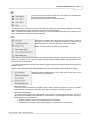
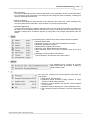
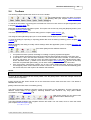
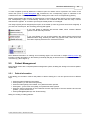
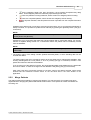
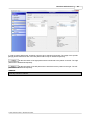
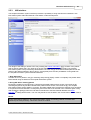
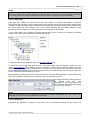
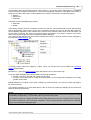
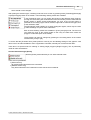
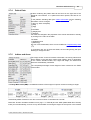
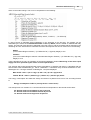
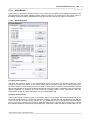
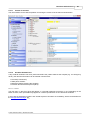
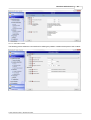
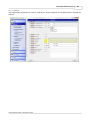
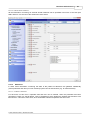
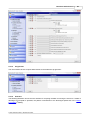
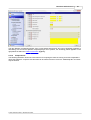
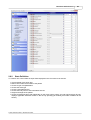
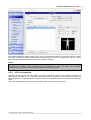
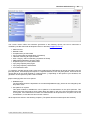
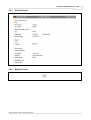
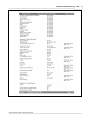
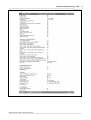
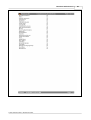
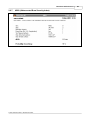
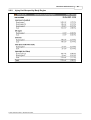
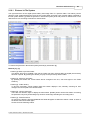
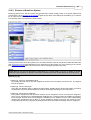
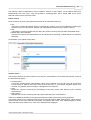
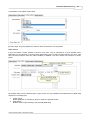
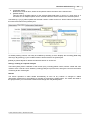
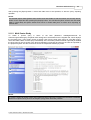
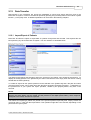
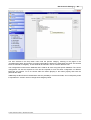
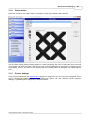
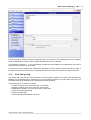
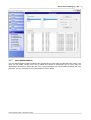
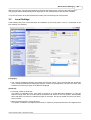
BurnCase 3D Reference 74 To be able to import a specific result into other applications (e.g. Microsoft Excel, SPSS,...) [Export] generates a CSV (coma separated values) text file. The data fields to be exported can be adapted to the focus of interest by selecting the desired items in the tabs: [Patient data fields], [case query fields] and [surface query fields]. The items in case of the latter two mentioned have been grouped for better usability. If one of the groups are checked, every field contained by this group will be exported. Subsequently checking and unchecking has direct influence on the items in the levels below. In the surface query tab you can additionally choose if the items should be grouped by characteristics or by body regions. Selecting the [Records] tab displays the search results again. The different tabs of the user interface are shown below: The tab [Settings] facilitates options to define the separator and the date and time format, which vary on different importing applications and operating systems. To countervail this general problem the user is able to specify the format and the separator freely to adapt it to a particular program. These parameters are available: dd: day, double digit MM: month, double digit yy: year, double digit yyyy: year, four digit hh: hours (24-hour format) mm: minutes, double digit AMPM: additional term for correct english time format The separator between the date and time values can be defined freely, but must be different to the general CSV separator, otherwise the importing application cannot read a complete date or time. The checkbox [Show surface and case data fields in result table] sets, whether the items of the [case query fields] and of the [surface query fields] should be displayed in the results table. Keep in mind, that if these options are enabled, the query on the database is more complex and needs more time. We recommend to use this feature only, when it is necessary. The same can be applied for [Show indices and scores in results table]. © RISC Software GmbH - Medical Informatics