1
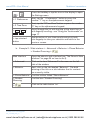
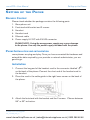
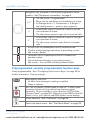
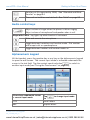
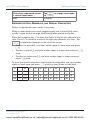
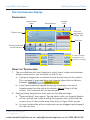
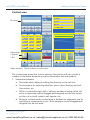
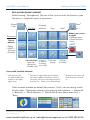
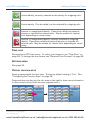
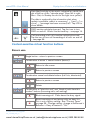
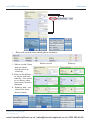
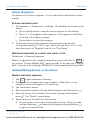
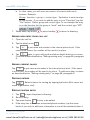
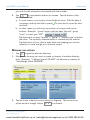
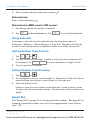
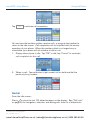
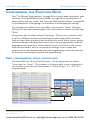
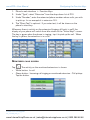
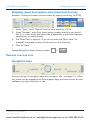
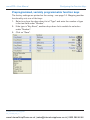
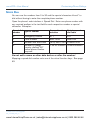
snom 870 User Manual Using the Phone Speed dial number on speed dial list 1. Enter the speed dial number (0-30) or character (#, *) assigned to the phone number. 2. Tap text field or press to dial. Speed dial number mapped onto virtual key 1-15 1. Tap . Virtual key screen opens. 2. Tap virtual key to dial. In above example tap on key 14 to call Aunt Jane. Emergency Numbers Can be dialled even when the keyboard is locked! See "Emergency Numbers" on page 70 on how to set them. 1. Enter the number. 2. The phone begins to dial as soon as one of the specified emergency numbers is complete. When the keyboard is not locked, touch the text field or press to dial. Call Completion Depends on availability in your network. On snom phones call completion means that when a called number is busy or not available, the phone will call you back as soon as the dialed number is unbusy or available again. The factory default setting is "off". Changing the setting to turn it on: See "Call completion" on page 71. When call completion is available and turned on, the button appear below the context area. © 2009 snom technology AG will 49 man_snom870_v101_en www.InternetVoipPhone.co.uk | sales@internetvoipphone.co.uk | 0800 088 48 46