1
TAPIT NOVA
Reports
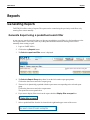
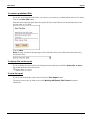
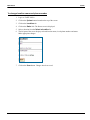
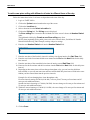
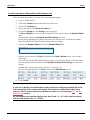
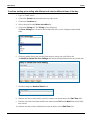
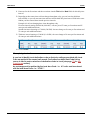
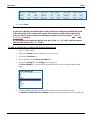
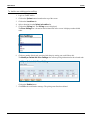
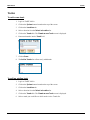
To add a note to the call record
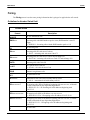
You can associate a note with any call record via any detail report.
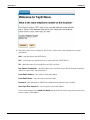
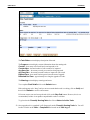
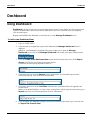
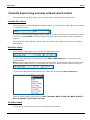
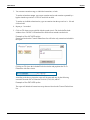
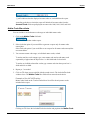
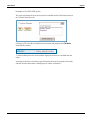
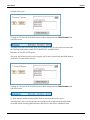
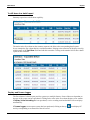
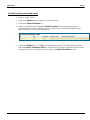
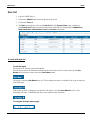
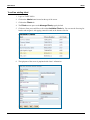
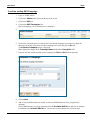
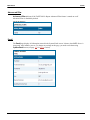
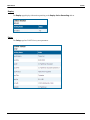
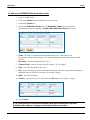
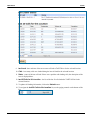
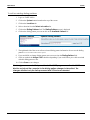
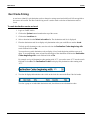
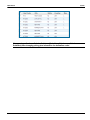
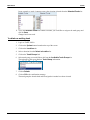
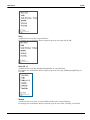
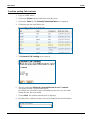
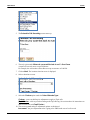
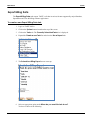
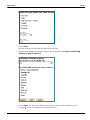
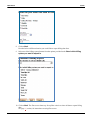
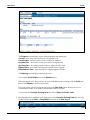
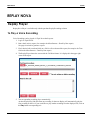
To add a note to a call record click on the value in the first column of the call record of the detail report.
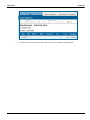
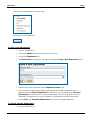
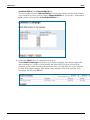
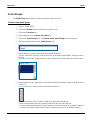
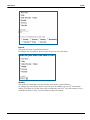
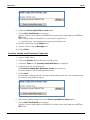
In our example the first column displays date. When you click on the date field the report toolbar expands and
displays a note icon
.
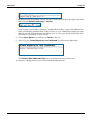
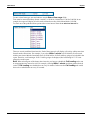
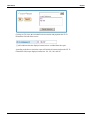
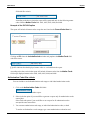
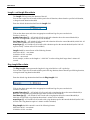
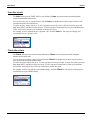
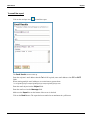
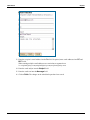
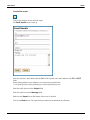
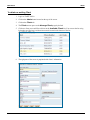
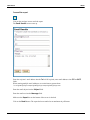
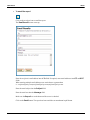
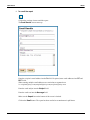
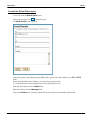
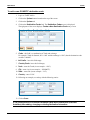
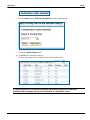
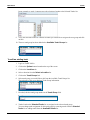
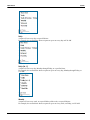
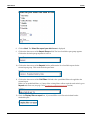
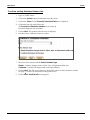
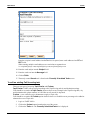
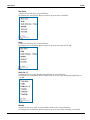
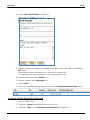
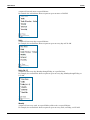
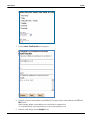
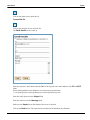
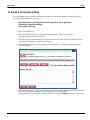
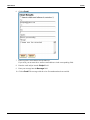
Click on the note icon to open the note editor.
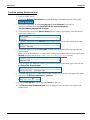
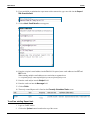
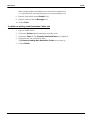
Type in a short description of the call and click on Save.
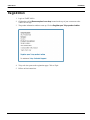
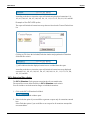
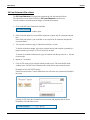
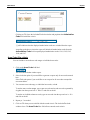
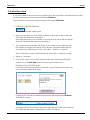
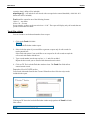
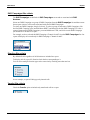
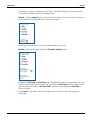
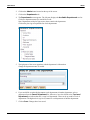
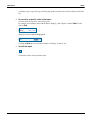
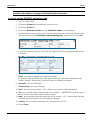
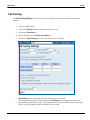
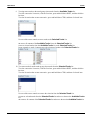
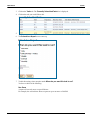
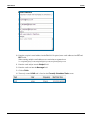
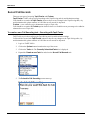
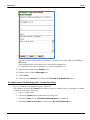
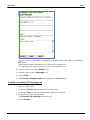
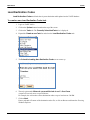
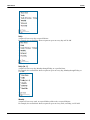
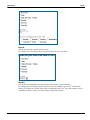
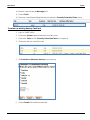
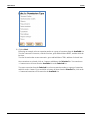
This call record can be found now by setting Call Note search criteria on a filter screen. Simply enter text
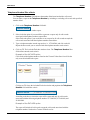
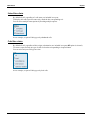
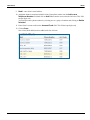
from the note, i.e. “sales call”, into the Call Note field and run the report. The report will bring back all call
records with notes containing “sales note” phrase.
This is a good way of tagging phone calls of the same type for quick retrieval in future.
78