1
Viz Pilot User’s Guide
13.4.2
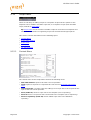
Search Providers
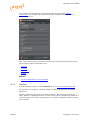
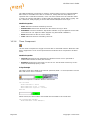
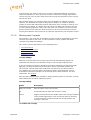
Both Director and Viz Pilot’s newsroom client get their Viz One connection parameters
from the Viz Pilot database. The Media Sequencer must be configured using your
control application.
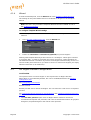
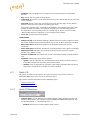
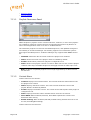
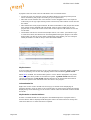
Asset search providers can set to active or inactive. Disabling a search provider means
that it will not be used when searching for assets in a template.
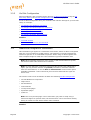
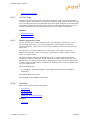
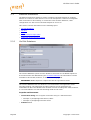
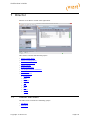
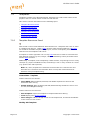
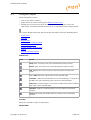
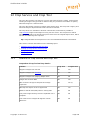
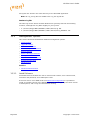
This section contains information on the following topics:
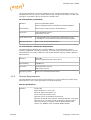
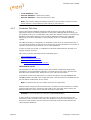
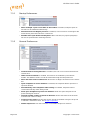
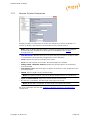
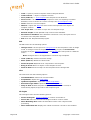
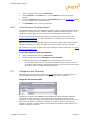
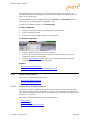
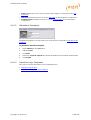
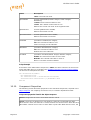
• To configure search providers (Viz One)
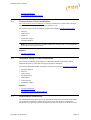
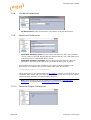
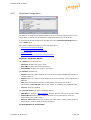
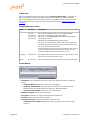
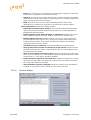
• To configure search providers (RestVOS)
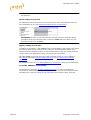
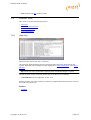
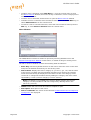
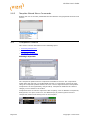
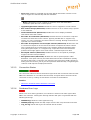
• Authentication for Feed Browser
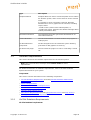
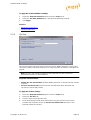
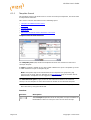
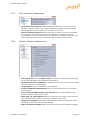
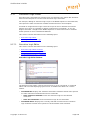
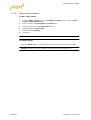
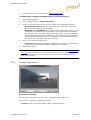
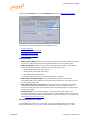
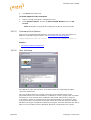
To configure search providers (Viz One)
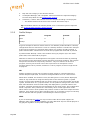
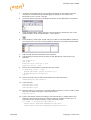
1.
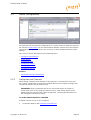
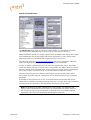
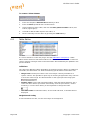
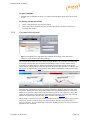
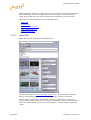
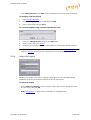
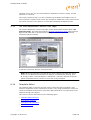
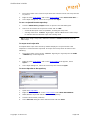
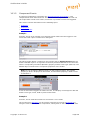
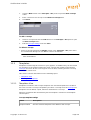
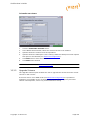
See how To access the Data Server Web Interface
2.
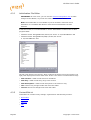
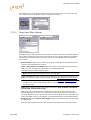
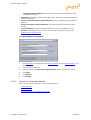
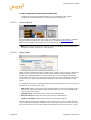
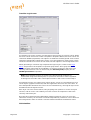
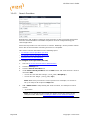
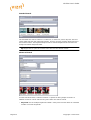
Click the Settings link
3.
Click the Search Providers link
4.
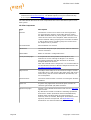
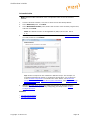
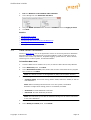
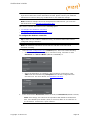
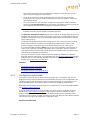
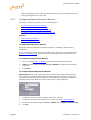
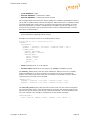
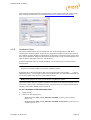
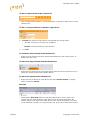
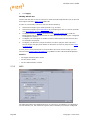
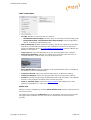
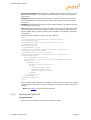
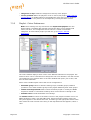
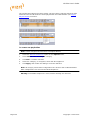
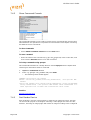
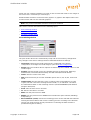
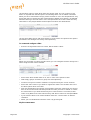
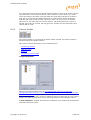
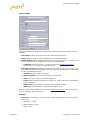
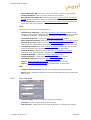
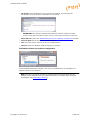
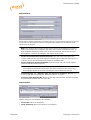
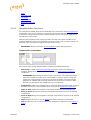
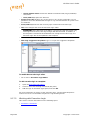
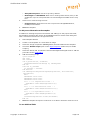
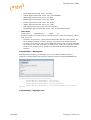
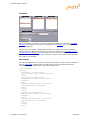
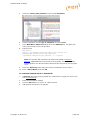
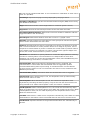
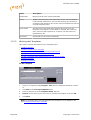
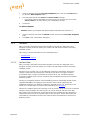
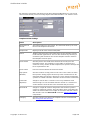
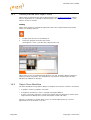
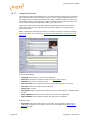
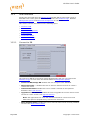
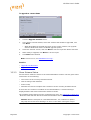
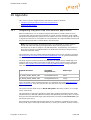
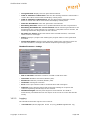
Under Asset search providers click the Add button and enter the host’s service
document URL
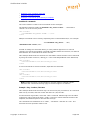
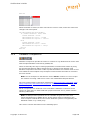
• For Viz One 5.4 and later: https://<viz_one>/ thirdparty /
• For Viz One 5.3: https://<viz_one>/ api /
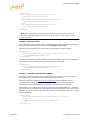
Note: Make sure you enter the correct protocol. For example, if a Viz One is
set up on https it will require an https URL.
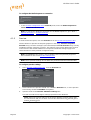
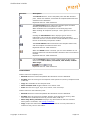
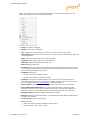
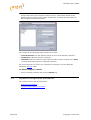
5.
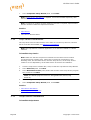
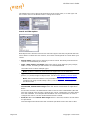
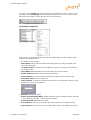
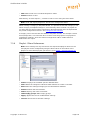
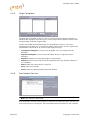
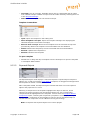
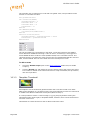
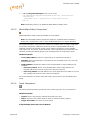
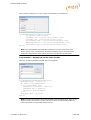
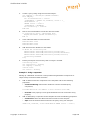
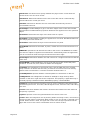
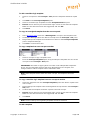
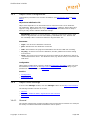
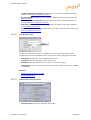
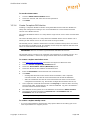
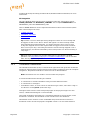
Add a Short name to help identify the asset’s location, for example in search
results.
• eg. VizOne
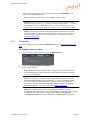
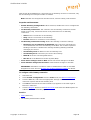
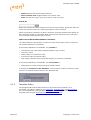
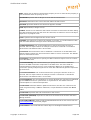
Note: If you change the short name you need to restart the server for the
changes to take effect (see To modify the Data Server database settings).
Page 358
Copyright © 2015 Vizrt