1
Patron Batch Process
The Patron Batch Processing feature enables you to change information in your patron
records. You specify exactly what records you want processed, and the changes you want
made to these records. Once you’ve done this, the program makes the specified changes
to all matching records. For help performing Patron Batch Processing tasks, see "Batch
processing patron records" in the Patrons chapter of the Spectrum CIRC/CAT User
Manual.
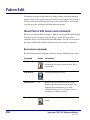
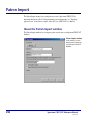
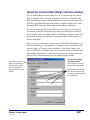
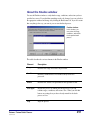
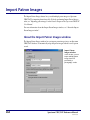
About the Range window
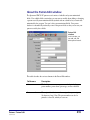
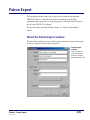
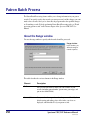
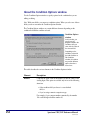
You use the range window to specify which records should be processed.
Range window
In this window, you
define the range of
records to process.
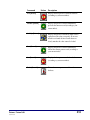
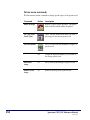
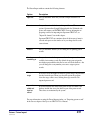
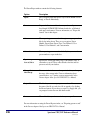
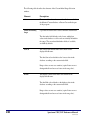
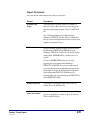
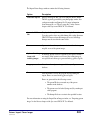
This table describes the various elements in the Range window.
250
Element
Description
Field
Lets you select the field by which you want to index all your
records (including patron number, patron name, patron type, and
patron user-defined fields).
Start at/End at
Lets you select the range of records to be processed. Initially, the
default starting and ending values of the index you select are
displayed, which include all of your patron records.
Spectrum CIRC/CAT Reference Manual
SCC5rm1200kn