1
PC Application User Manual
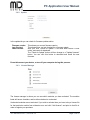
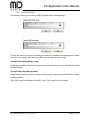
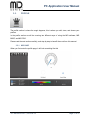
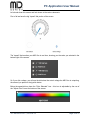
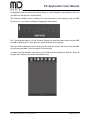
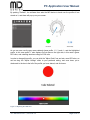
Now, click the Janty icon on your desktop to open up the Janty MiD software. Once the software
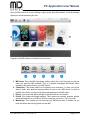
opens you will see something like this:
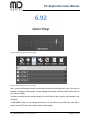
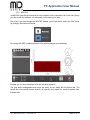
In general, the MiD software is divided into five sections:
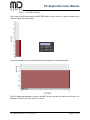
A. MiD Home: This is the MiD Homepage, and by default this is the first page you will see
when you open the MiD software. This is a dynamic homepage that shows offers,
upgrades, and useful info from your MiD vendor.
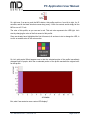
B. Community: This button leads to the midseries.com community, in which you will be
able to share, and download vaping profiles for use on your MiD device, as well as
partake in the forum in order to exchange ideas and tips for the MiD series.
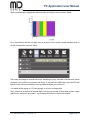
C. Device: You can set the global settings of your MiD device in this section.
D. Profile: This is where the magic happens; This is where you can edit, program, upload,
download and fine tune your MiD to function exactly as you want to. This is your lab!
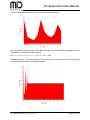
E. Monitoring: This is where you can see what your MiD device does, in realtime, as you
push the button and use the joystick on your MiD.
JTY-4S0-0E10-0-V1.1, 2013-02-14
Page 6 of 41