1
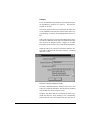
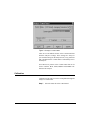
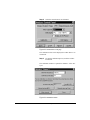
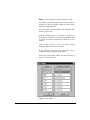
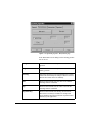
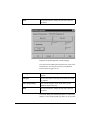
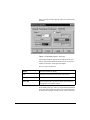
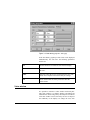
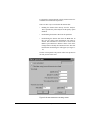
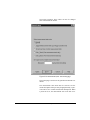
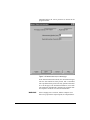
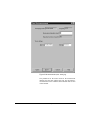
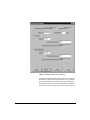
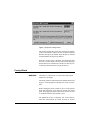
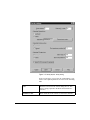
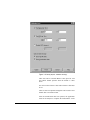
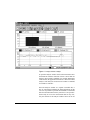
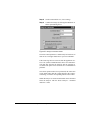
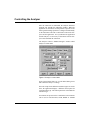
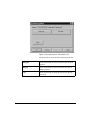
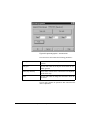
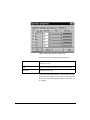
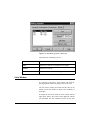
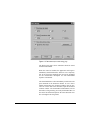
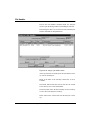
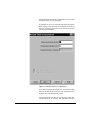
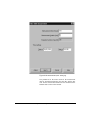
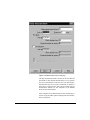
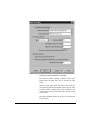
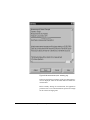
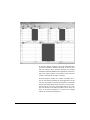
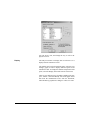
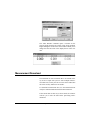
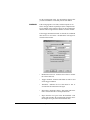
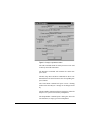
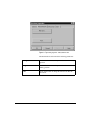
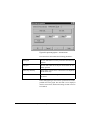
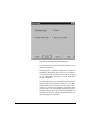
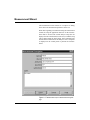
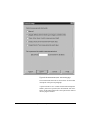
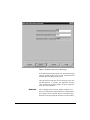
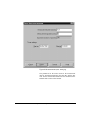
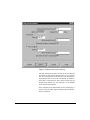
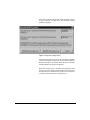
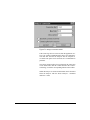
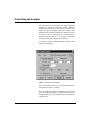
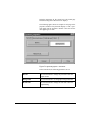
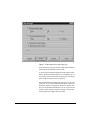
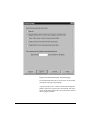
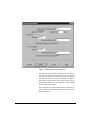
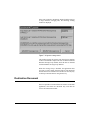
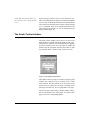
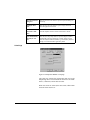
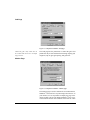
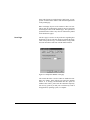
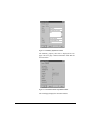
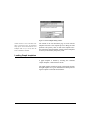
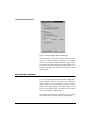
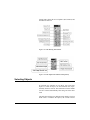
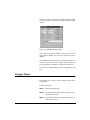
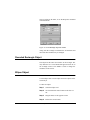
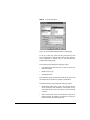
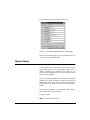
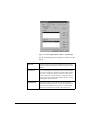
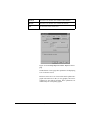
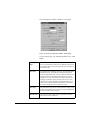
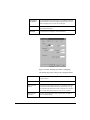
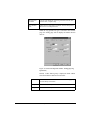
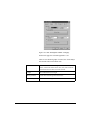
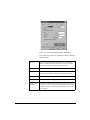
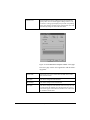
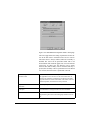
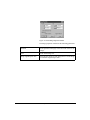
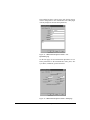
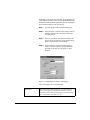
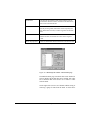
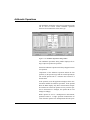
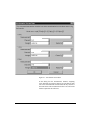
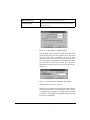
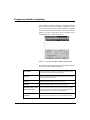
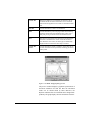
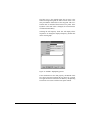
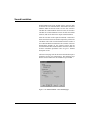
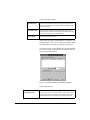
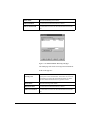
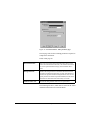
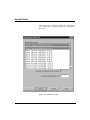
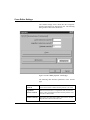
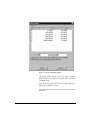
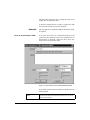
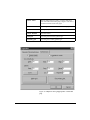
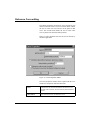
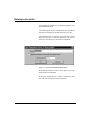
Figure 4-25 Measurement Wizard - Audio page
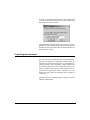
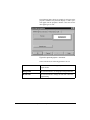
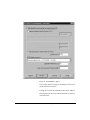
By default the audio recording is disabled. Click on the
Enable audio recording check box to activate the other
fields.
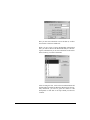
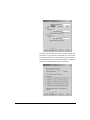
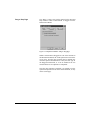
Select the audio input device that will be used (if there is
more than one audio board installed). Then select the audio
resolution. When selecting higher audio resolutions, care
must be taken to make sure that disk space does not run out
in a short time.
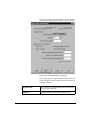
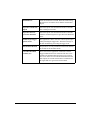
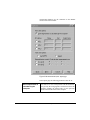
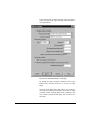
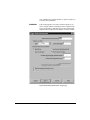
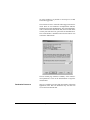
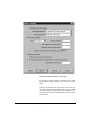
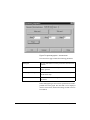
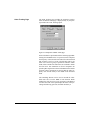
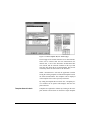
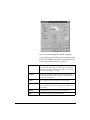
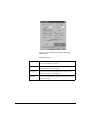
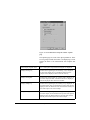
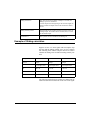
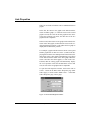
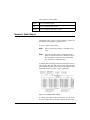
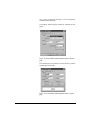
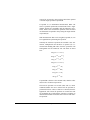
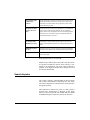
Recording conditions depend on the type of measurement
selected earlier.
11/28/01
System 824 Analyzer Window
4-35