1
1
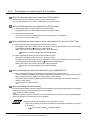
Precautions for connecting PLC CPU
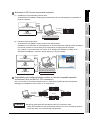
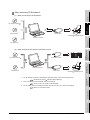
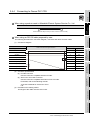
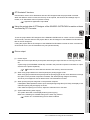
1 When connecting GT Simulator2 to the function extension board of the FXCPU
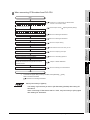
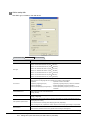
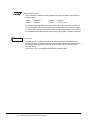
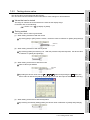
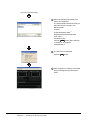
When connecting GT Simulator2 to the function extension board of the FXCPU, make the following
settings on GX Developer.
2
SYSTEM
CONFIGURATION
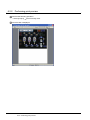
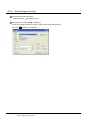
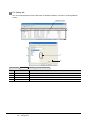
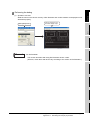
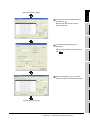
1 Uncheck [Operate communication setting] on the PLC system (2) tab of [PLC Parameter].
OVERVIEW
3.3.3
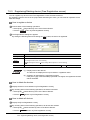
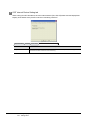
2 Set "0" in special register (D8120) of FXCPU.
SPECIFICATIONS
3
SCREEN
CONFIGURATION OF GT
SIMULATOR2
4
GT SIMULATOR2
OPERATING METHOD
5
FUNCTIONS OF GT
SIMULATOR2
6
DEVICE MONITOR
7
TROUBLESHOOTING
8
3.3 Precautions
3.3.3 Precautions for connecting PLC CPU
3 - 18