1
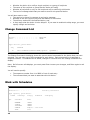
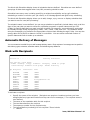
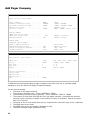
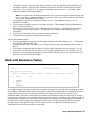
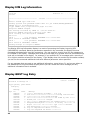
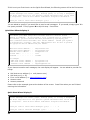
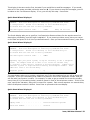
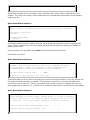
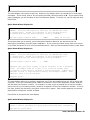
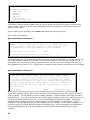
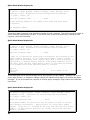
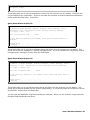
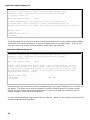
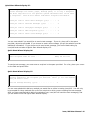
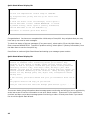
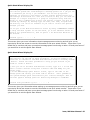
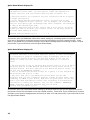
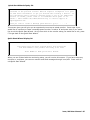
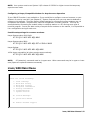
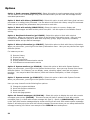
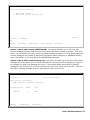
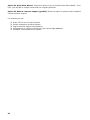
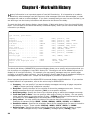
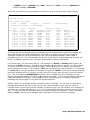
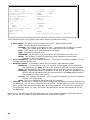
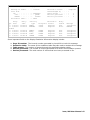
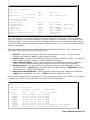
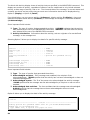
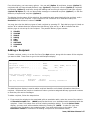
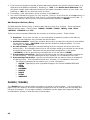
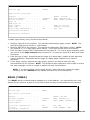
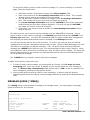
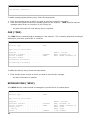
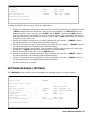
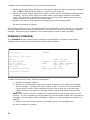
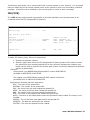
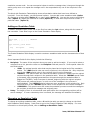
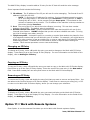
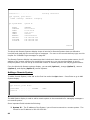
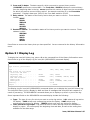
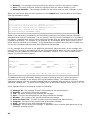
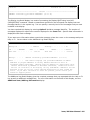
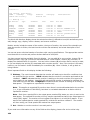
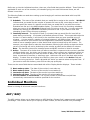
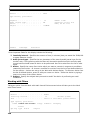
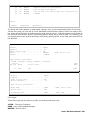
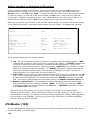
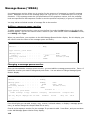
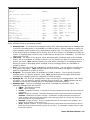
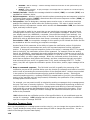
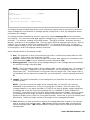
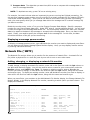
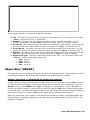
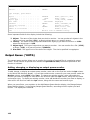
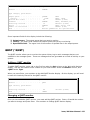
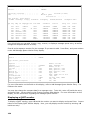
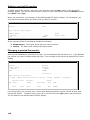
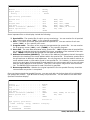
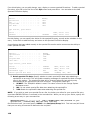
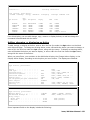
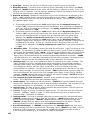
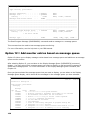
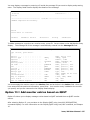
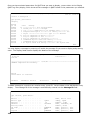
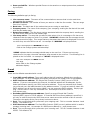
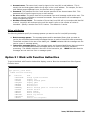
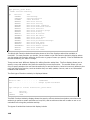
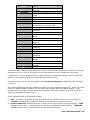
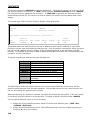
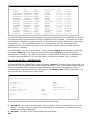
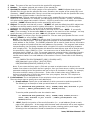
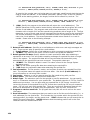
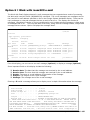
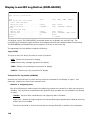
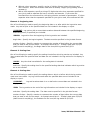
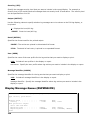
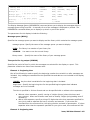
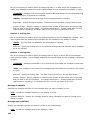
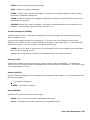
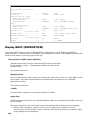
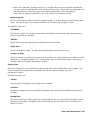
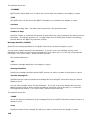
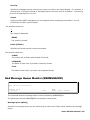
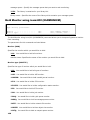
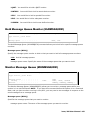
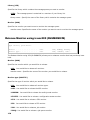
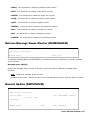
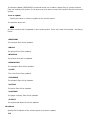
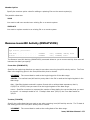
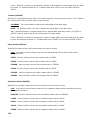
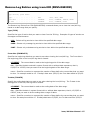
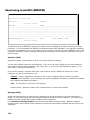
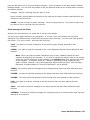
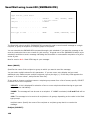
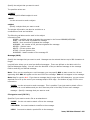
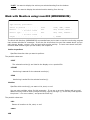
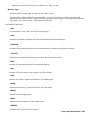
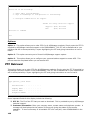
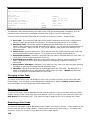
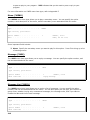
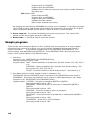
The Work with Activity display shows all activity that you specified in the WRKATVICM command. This display can contain all activity, regardless of status or can be conditioned to only include selected activity, a date range of activity, and so on. The time and date of the message, its current status and contents are shown and any entry that you want more information about can be displayed using Option 5 (Display) or Option 8 (Detail). From this display, you can remove activity (4=Remove), display activity (5=Display), view more detailed information about activity (8=Detail) or acknowledge a message if it has been escalated (9=Acknowledge). Some important fields include: Type: The type of monitor that generated the activity. *USRMSG indicates that the activity was initiated by the use of the SNDMSGICM command. *SNDSPLF indicates that the activity was initiated by the use of the SNDSPLFICM command. Activity information: Information about the activity, such as originator of a user-defined message, or the message text Selecting Option 5 allows you to display the detail of a specific activity message. Display Activity Monitor . . . . . . Monitor type . . . . Date . . . . . . . . Time . . . . . . . . Activity information BRIAN . . . . . . . . . . . . . . . . . . . . . . . . . . . . . . . . . . . . . . . . . . . . . : : : : : *NONE *SNDSPLF 3/10/08 13:46:23 Spooled file QPJOBLOG sent by Acknowledged recipient Acknowledged by user . Acknowledge date . . . Acknowledge time . . . . . . . . . . . . . . . . . . . . . . . . . . . . . . . . . . . : *NONE : *NONE : *NONE : 0:00:00 Some important fields include: Type: The type of monitor that generated the activity. Acknowledged recipient: If the message was escalated, the recipient of the acknowledgement. *NONE specifies that the activity has not been acknowledged or does not need acknowledgement. Acknowledged by user: The ID of the person who acknowledged the activity message. *NONE specifies that the message was not acknowledged by a recipient or was not set to escalate. Acknowledged date and time: The time and date that the message was acknowledged. 0:00:00 specifies that the message has not been acknowledged or does not need acknowledgement. Option 8 allows you to display the detail of the activity message. 3/15/03 17:34:35 Display Activity Detail -------------------------------- 3/10/03 ---------------------------------Sending spooled file QPJOBLOG number 0001 for job 018584/BRIAN/DOICM20. ATTACH sent to briany@webzone.net. 1 type *EMAIL sent, 0 spooled file pages not sent. 64