1
54
CHAPTER 2
@MIN and @MAX Set Looping Functions
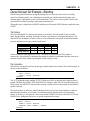
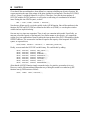
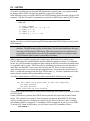
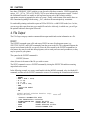
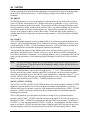
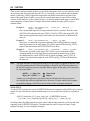
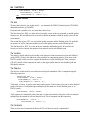
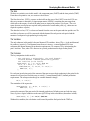
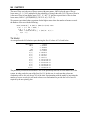
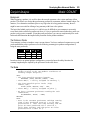
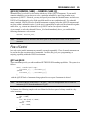
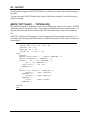
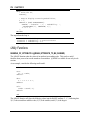
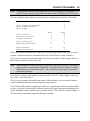
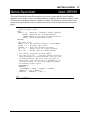
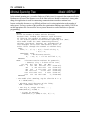
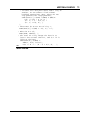
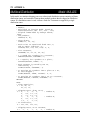
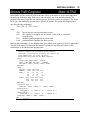
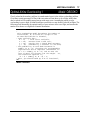
The @MIN and @MAX functions are used to find the minimum and maximum of an expression over
members of a set.
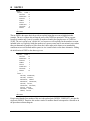
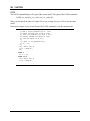
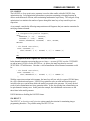
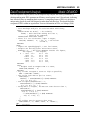
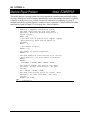
Again, consider the model:
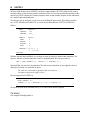
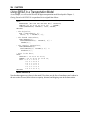
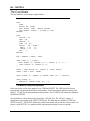
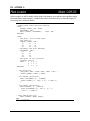
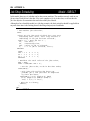
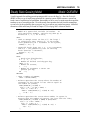
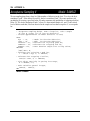
MODEL:
SETS:
VENDORS: DEMAND;
ENDSETS
DATA:
VENDORS, DEMAND =
ENDDATA
END
V1,5 V2,1 V3,3 V4,4 V5,6;
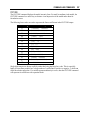
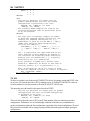
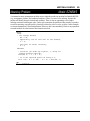
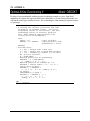
To find the minimum and maximum DEMAND, all one need do is add the two expressions:
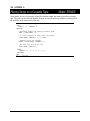
MIN_DEMAND = @MIN( VENDORS( J): DEMAND( J));
MAX_DEMAND = @MAX( VENDORS( J): DEMAND( J));
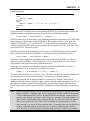
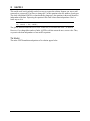
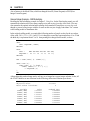
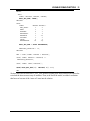
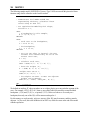
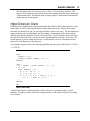
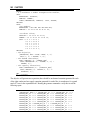
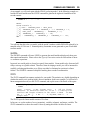
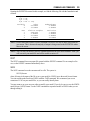
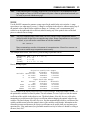
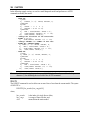
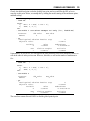
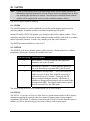
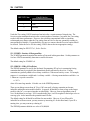
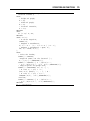
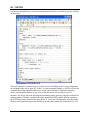
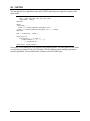
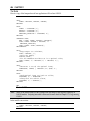
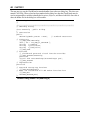
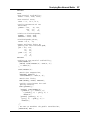
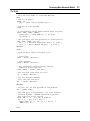
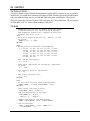
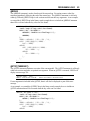
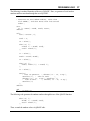
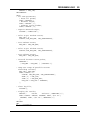
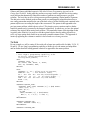
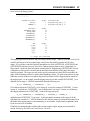
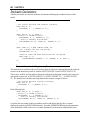
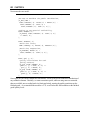
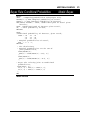
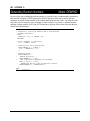
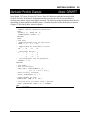
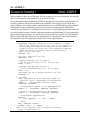
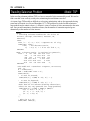
The resulting model with the new statements in bold would then be as follows:
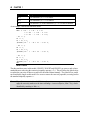
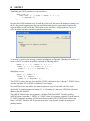
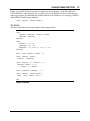
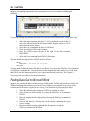
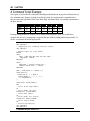
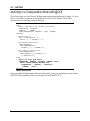
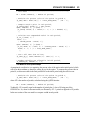
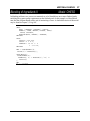
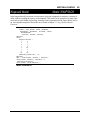
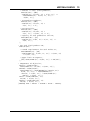
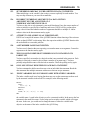
MODEL:
SETS:
VENDORS: DEMAND;
ENDSETS
DATA:
VENDORS, DEMAND = V1,5 V2,1 V3,3 V4,4 V5,6;
ENDDATA
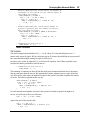
MIN_DEMAND = @MIN( VENDORS( J): DEMAND( J));
MAX_DEMAND = @MAX( VENDORS( J): DEMAND( J));
END
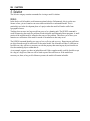
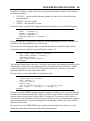
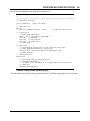
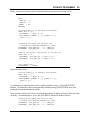
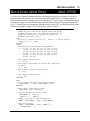
As with the @SUM example, we can use an implied index list since the attributes are defined on the
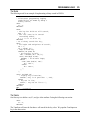
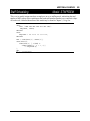
index set. Using implied indexing, we can recast our expressions as:
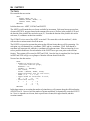
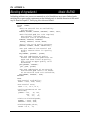
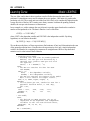
MIN_DEMAND = @MIN( VENDORS: DEMAND);
MAX_DEMAND = @MAX( VENDORS: DEMAND);
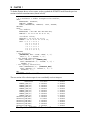
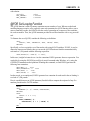
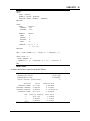
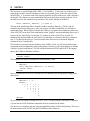
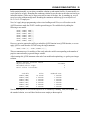
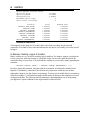
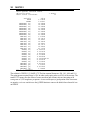
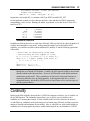
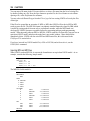
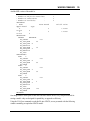
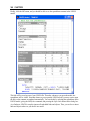
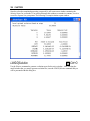
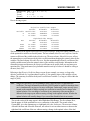
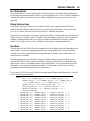
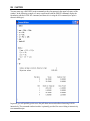
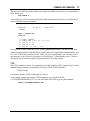
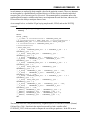
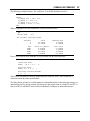
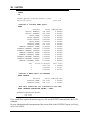
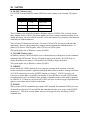
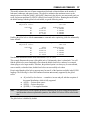
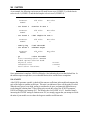
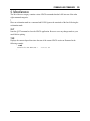
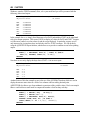
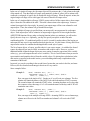
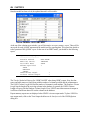
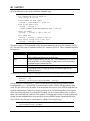
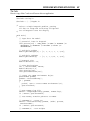
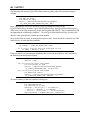
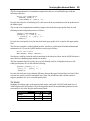
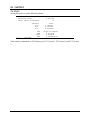
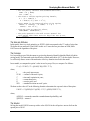
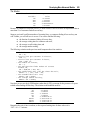
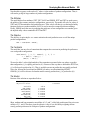
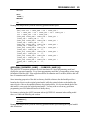
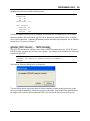
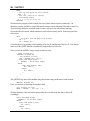
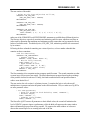
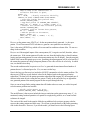
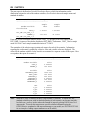
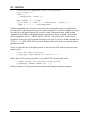
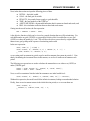
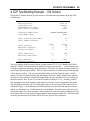
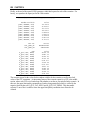
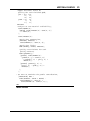
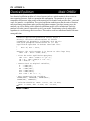
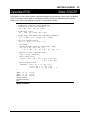
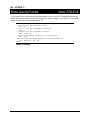
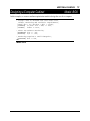
In either case, when we solve this model, LINGO returns the expected minimum and maximum
DEMAND of:
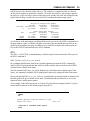
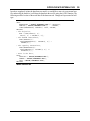
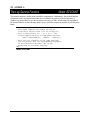
Variable
MIN_DEMAND
MAX_DEMAND
Value
1.000000
6.000000
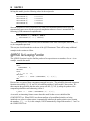
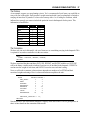
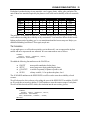
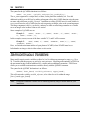
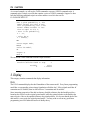
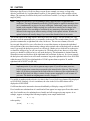
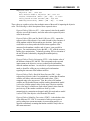
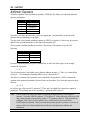
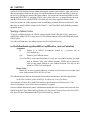
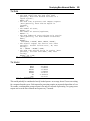
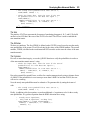
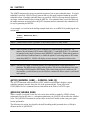
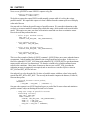
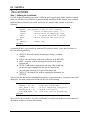
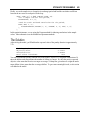
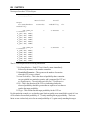
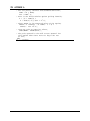
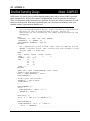
For illustration purposes, suppose we had just wanted to compute the minimum and maximum values
of the first three elements of DEMAND. As with the @SUM example, all we need do is add the
conditional qualifier J #LE# 3. We then have:
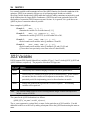
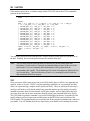
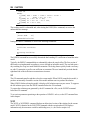
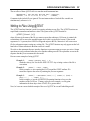
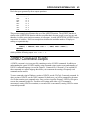
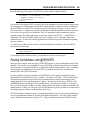
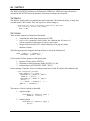
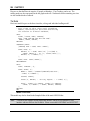
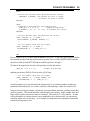
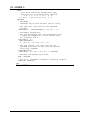
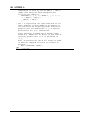
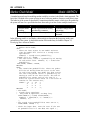
MIN_DEMAND3 =
@MIN( VENDORS( J) | J #LE# 3: DEMAND( J));
MAX_DEMAND3 =
@MAX( VENDORS( J) | J #LE# 3: DEMAND( J));