1
GDS-3000 Series User Manual
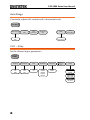
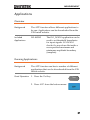
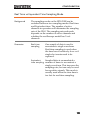
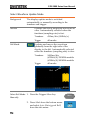
Setup Trigger Mode
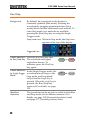
Background
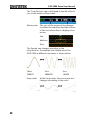
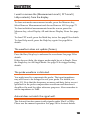
The trigger mode can be set to Normal or Auto
(untriggered roll). The triggering mode applies to
all the trigger types. See page 114.
Panel Operation
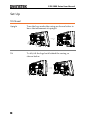
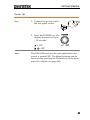
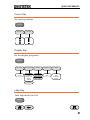
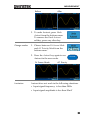
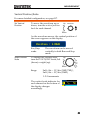
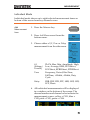
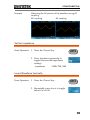
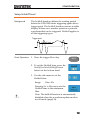
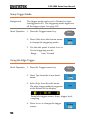
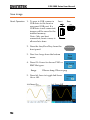
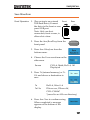
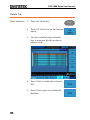
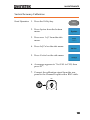
1. Press the Trigger menu key.
Menu
2. Press Mode from the bottom menu
to change the triggering mode.
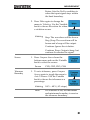
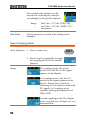
3. Use the side panel to select Auto or
Normal triggering modes.
Range
Auto, Normal
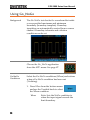
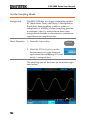
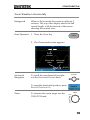
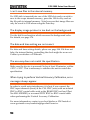
Using the Edge Trigger
Panel Operation
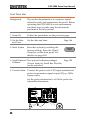
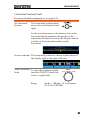
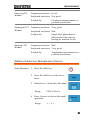
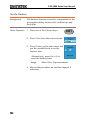
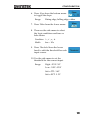
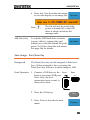
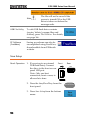
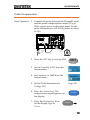
1. Press the Trigger menu key.
Menu
2. Press Type from the lower bezel
menu.
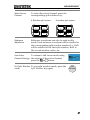
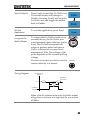
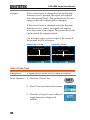
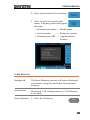
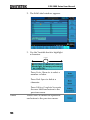
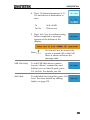
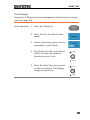
3. Select Edge from the side menu.
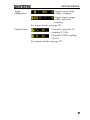
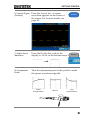
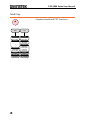
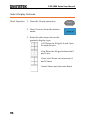
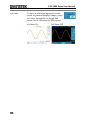
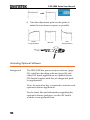
The edge trigger indicator appears
at the bottom of the display.
From left: trigger source, slope, trigger level,
coupling
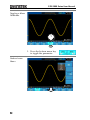
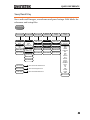
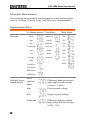
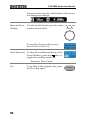
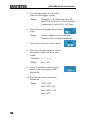
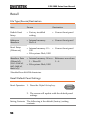
4. Press Source to change the trigger
source.
132