1
About Lynx
Welcome to Lynx
Lynx is a multi-faceted software that has been created for use with any interactive whiteboard.
Here are some of the features that Lynx offers you:
• A selection of prepared lesson plans you can download from the Lynx website. The
Lynx website also offers updates to your software.
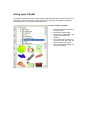
• Curriculum specific clip art and information resources for a wide range of subjects and
key stages.
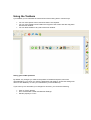
• Annotation toolkit including pen, paintbrush, highlighting and area fill tools.
• Screen Capture allows you to prepare and build lessons easily and also allows
annotations and lessons to be saved for later discussions.
• Internet access with a single button.
• Easy to use virtual keyboard and calculator.
• Links with any Windows application so frequently used programs and resources are
available quickly and easily from the Lynx handset.
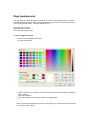
• A variety of subject specific screen backdrops are available to enhance lessons
including lined, graph, isometric, squared, hexagonal and music manuscript paper.
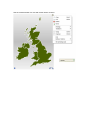
• A wide variety of high definition maps, both simple and labelled, are also provided –
ready to use for lesson preparation.
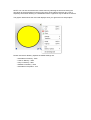
• Electronic coloured and plain VENN diagrams are also found in Lynx.
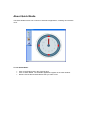
• A variety of interactive facilities are also provided within Lynx, including clocks..
• Arrange, transform, fill and group objects.
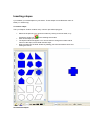
• Modify and customise shapes to your requirements.
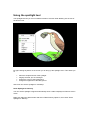
• Use the curtain, spotlight and magnify facility.
• Use the keyboard to write, align, rotate and transform text.