1
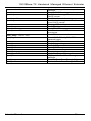
10/100Base-TX Hardened Managed Ethernet Extender
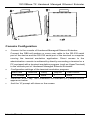
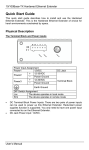
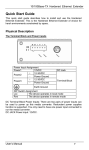
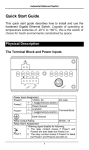
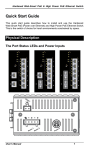
Power Input Assignment
Power1
12VDC
+ 12-32VDC
Power2
- Power Ground
+ 12-32VDC
Power3
- Power Ground
DC Jack
Terminal Block
Earth Ground
DIP Switch Assignment
Loc
The device operates in local mode
Rmt
The device operates in remote mode
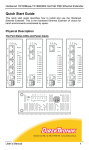
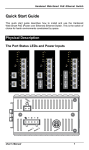
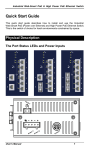
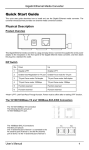
LEDs
Power1
Power2
Power3
Ethernet
Link/ACT
State
Steady
Indication
Power on
Off
Power off
Steady
Valid network connection established
Transmitting or receiving data
ACT stands for ACTIVITY
Neither valid network connection established
nor transmitting/receiving data
Connection in full-duplex mode
FDX stands for FULL-DUPLEX
Connection in half-duplex mode
Flashing
Off
FDX
Steady
Off
Ethernet Extender
Remote The device operates in remote mode
Local
The device operates in local mode
Error
Error occurred
Link
A valid connection established
Green, 1Mbps, up to 1900M
1
Amber, 3Mbps, up to 1800M
Green, 5Mbps, up to 1600M
2
Amber, 10Mbps, up to 1400M
Green, 15Mbps, up to 1200M
3
Amber, 20Mbps, up to 1000M
Green, 25Mbps, up to 800M
4
Amber, 30Mbps, up to 700M
Green, 40Mbps, up to 600M
5
Amber, 50Mbps, up to 300M
DC Terminal Block Power Inputs: There are two pairs of power inputs can
be used to power up this media converter. Redundant power supplies
function is supported. You only need to have one power input connected to
run the media converter.
DC JACK Power input: 12VDC.
User’s Manual
2