1
Chapter 1 Basics
Home screen
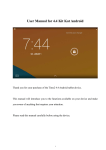
When the device is turned on, it will enter into the home screen.
A.
Home button
B. USB connection
C.
USB debugging
D. Time Display
E.
Wi-Fi connection
F. Battery indicator
G.
Volume – button
H. Volume + button
I.
Return button
J.
K.
Search bar for web browser
L.
Navigation bar
M.
Widget & Shortcut button
N.
Indication for additional home screens
5
Menu button