1
60
User Manual of E Series Network Speed Dome
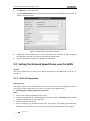
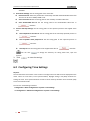
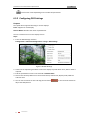
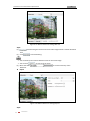
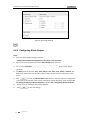
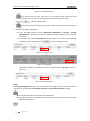
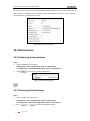
Figure 6-39 Adjust OSD Location
6. Click
to activate above settings.
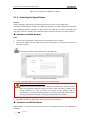
6.5.3 Configuring Text Overlay Settings
Purpose:
You can customize the text overlay.
Steps:
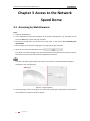
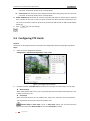
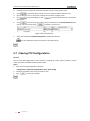
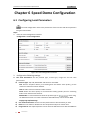
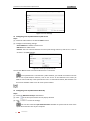
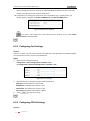
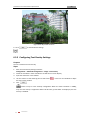
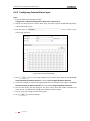
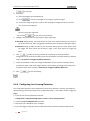
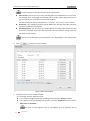
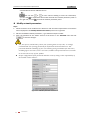
1. Enter the Text Overlay Settings interface:
Configuration > Advanced Configuration > Image > Text Overlay
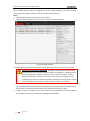
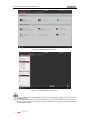
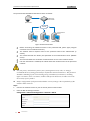
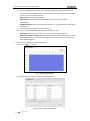
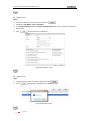
2. Check the checkbox in front of textbox to enable the on-screen display.
3. Input the characters in the textbox.
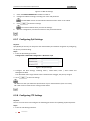
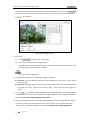
4. Use the mouse to click and drag the red text frame
the text overlay position.
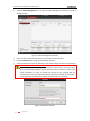
5. Click
in the live view window to adjust
.
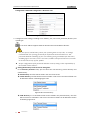
There are up to 4 text overlays configurable. When the video resolution is 1080p,
only one text overlay is supported. When PTZ direction, preset OSDs are displayed, the text
overlay is disabled.
© Hikvision