1
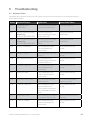
Step
Terminal Display
Action
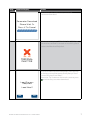
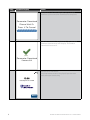
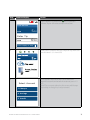
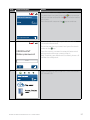
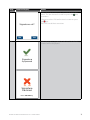
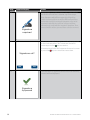
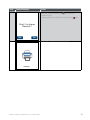
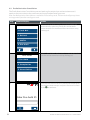
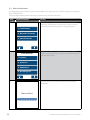
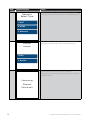
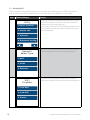
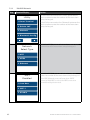
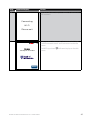
The cardholder can now enter their Personal
Identification Number (PIN).
8
Total Amount
6.00
AUD
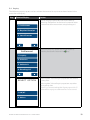
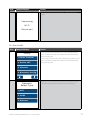
Once entry is complete the cardholder can press the
signature button on the touch screen or press the
key.
PIN or Enter
Signature
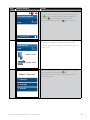
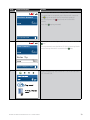
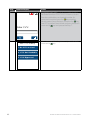
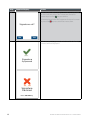
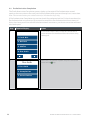
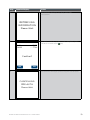
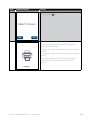
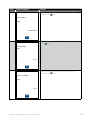
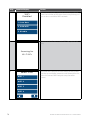
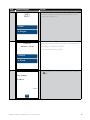
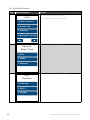
The terminal will connect to the bank and begin
processing the refund.
9
Please Wait
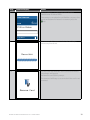
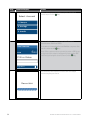
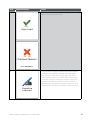
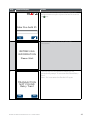
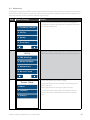
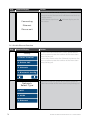
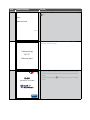
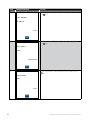
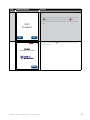
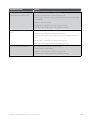
If a chip card was inserted, and is yet to be removed,
this prompt will appear.
10
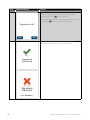
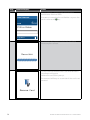
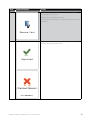
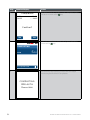
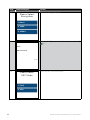
Remove the card at this prompt.
The terminal will beep as a reminder if the card is not
removed.
Remove Card
BANK OF MELBOURNE EFTPOS 1 USER GUIDE
29