1
guard.bk : guard1.fb4 Page 10 Wednesday, June 30, 1999 3:06 PM
1 Starting DiagTools
The Welcome Screen
If There is a Problem
If you have a Net Vectra PC and cannot start Hardware Diagnostics,
your PC may not be correctly set up to run the diagnostic tool. Contact
your network administrator or, alternatively, contact your local or HPdedicated Support Agent.
The Welcome Screen
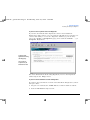
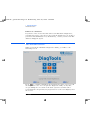
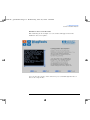
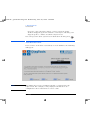
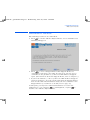
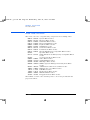
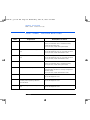
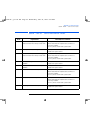
When you start the Hardware Diagnostics utility, you will see the
following screen:
Press
to continue and follow the instructions on the screen to run
the diagnostic tests. You can quit the diagnostic utility at any time,
except during the execution of the basic system test which takes
several minutes. In general, the progression of each test is displayed on
the screen.
10 English