1
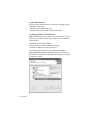
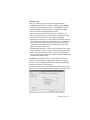
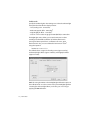
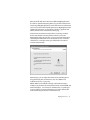
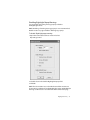
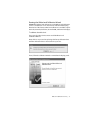
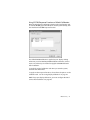
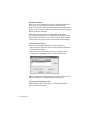
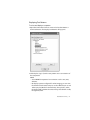
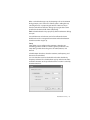
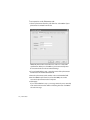
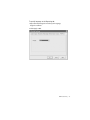
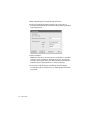
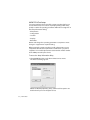
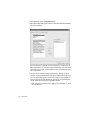
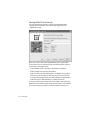
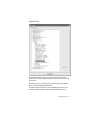
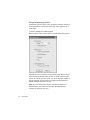
Calibration tab
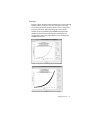
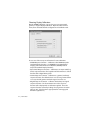
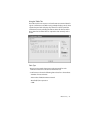
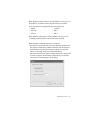
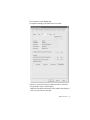
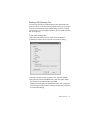
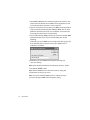
Select one of these response functions for auto-calibration:
• DICOM Response Function (default) – Calibrates to the DICOM
Grayscale Standard Display Function. See DICOM PS 3.14-2000
(Digital Imaging and Communications in Medicine (DICOM),
Part 14: Grayscale Standard Display Function).
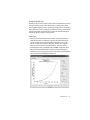
• Exponential (log linear) Response Function – Calibrates to an
exponential (log linear) response function. The logarithm of the
luminance is a linear function of the digital driving level.
• Native Response Function – Automatically sets the flat panel to its
native response function (characteristic curve). The characteristic
curve is the response function of the panel with no calibration
applied. This is the display function created by loading a linear
gamma correction table, or GCT.
• No RightLight Calibration – Turns off auto-calibration. Choose this
response function if you are using an external calibration product
such as the Dome Calibration TQA™ system. Dome CXtra retains
GCTs currently set or created by an external calibration. RightLight
stabilizes the backlights only.
CAUTION: Do not calibrate with an external calibration product,
such as the Dome Calibration TQA system, unless your response
function is set to No RightLight Calibration. Otherwise, RightLight
overwrites the gamma correction table.
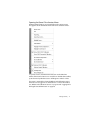
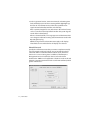
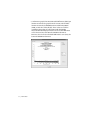
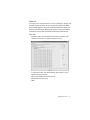
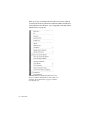
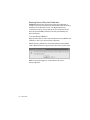
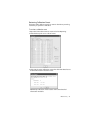
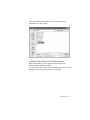
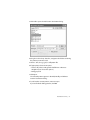
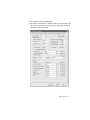
Check the selection box for each function you want to place on the
services menu, then change the operating parameter via the menu.
RightLight Service | 17