1
7
8
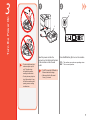
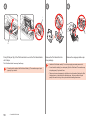
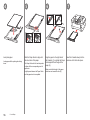
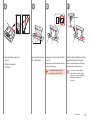
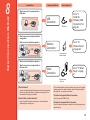
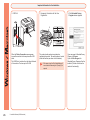
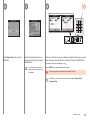
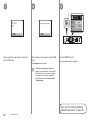
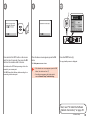
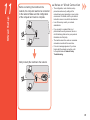
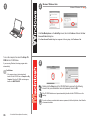
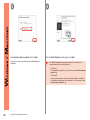
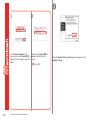
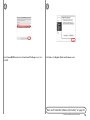
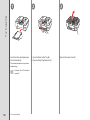
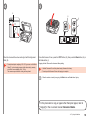
Tilt the Print Head forward and set it in place as shown.
• Do not knock the Print Head against the sides of the holder.
• Install in a well-lit environment.
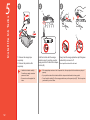
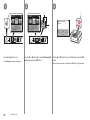
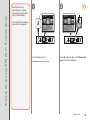
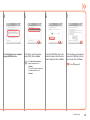
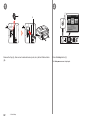
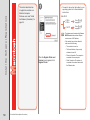
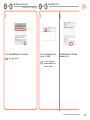
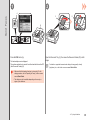
Hold the Print Head Lock Lever firmly and lower it completely.
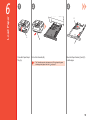
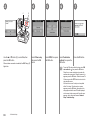
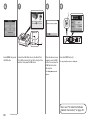
• Once you have installed the Print Head, do not remove it
unnecessarily.
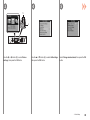
• If the Scanning Unit (Cover) is left open for more than 10 minutes,
the Print Head Holder moves to the right. In this case, close and
reopen the Scanning Unit (Cover).
4 Install the Print Head
11