1
Hardware I/P Patch
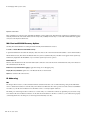
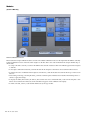
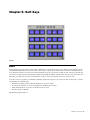
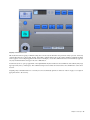
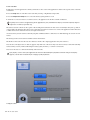
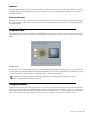
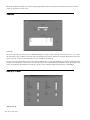
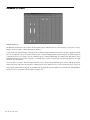
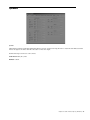
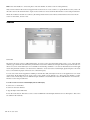
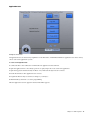
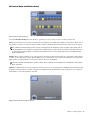
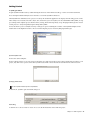
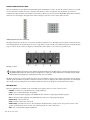
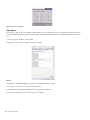
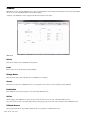
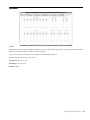
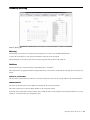
Hardware I/P Patch tab
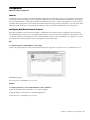
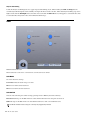
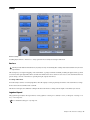
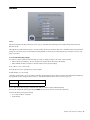
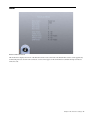
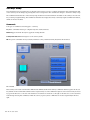
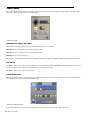
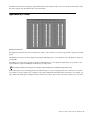
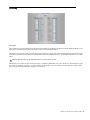
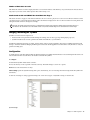
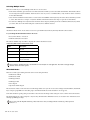
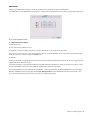
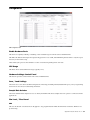
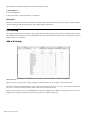
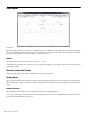
The Hardware I/P Patch tab routes audio from the hardware inputs (Hardware I/P) on your workstation’s sound card to the Application I/P and/or inputs of SME’s mixer inputs (SME I/P).
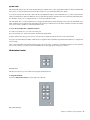
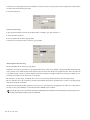
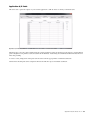
To pass audio from a physical input to an application, the hardware inputs (Hardware I/P) must be patched to Application I/P inputs. We recommend a one-to-one patch to make it easier to track the mapping between physical inputs and channel inputs in
your DAW. However, it is possible to re-route a hardware input to a different EuIn input. For example, if the kick drum is on the
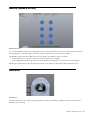
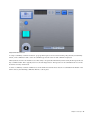
24th physical input and you wish it to appear to your DAW that it’s on the 1st input, select 1 from the Hardware I/P 24’s Application I/P drop-down menu.
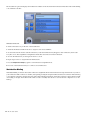
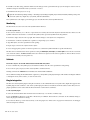
If your CD player is routed to hardware inputs 40 and 41, select 1 and 2 from the Hardware I/P 40 and 41’s SME I/P dropdown
menus respectively. This routes the CD player to Mixer inputs 1 and 2, which were set to a stereo monitoring section on page 75.
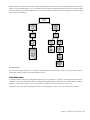
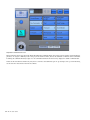
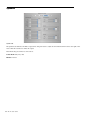
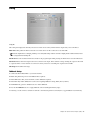
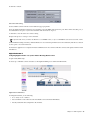
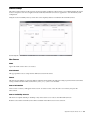
Only outputs enabled in the Config tab are available from the Application I/P and SME I/P drop-down menus. SME minimizes
its CPU resources if you enable only the inputs you plan to use.
60 MC Pro User Guide