1
Deleting Tests
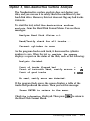
To remove devices from the Items Detected list so the System
diagnostics program cannot test them, follow these steps:
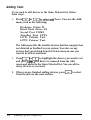
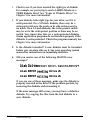
1. Press [-t) to select Delete Tests. You see the Delete
menu, such as the following:
System Board
Numeric Coprocessor
system Memory
Diskette Drive A
Hard Disk Drive #1
Serial Port COM1
Parallel Port LPT1
Video Adapter Test
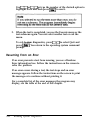
2.
Press a or [rl to highlight the device you want to
delete and press [Enlwl. The device is removed from the
Delete menu. You can delete as many devices as you want.
3. When you are finished deleting devices, press a to select
Execute and see “Running Tests” below.
Running System Diagnostics
5-3