1
Restoring the Default Settings
The Reset menu lets you reset the lamp timer and the projector’s memory, or return all the
projector settings to their factory default values.
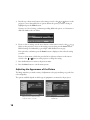
1. Press the Menu button to display the menu screen.
2. Press the down arrow button on the remote control or the
button on the projector to
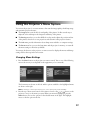
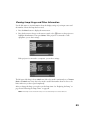
highlight the Reset menu. Then press Select. You see this menu:
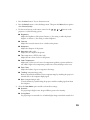
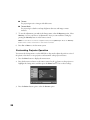
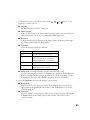
3. Change any of the following settings:
■
Lamp-Hours Reset
See page 30 for detailed information.
■
Memory Reset
Resets all settings stored in the projector’s memory.
■
All Reset
Resets all settings to their factory default values. The only settings not affected by this
option are input signal, language, lamp hours, and memory.
24