1
Switch Services 5-43
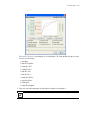
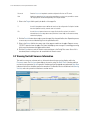
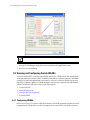
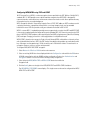
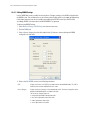
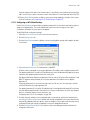
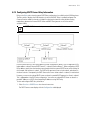
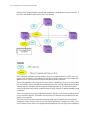
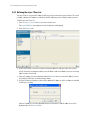
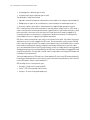
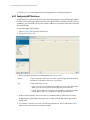
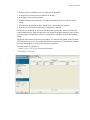
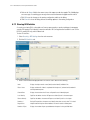
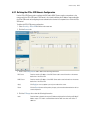
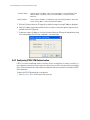
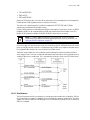
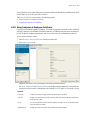
GRE tunneling allows desktop protocols to take advantage of the enhanced route selection capabilities of IP.
With GRE Tunneling, it is possible for the two sub-networks of network 131.108.0.0 to talk to each other even
though they are separated by another network.
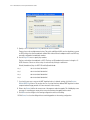
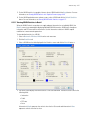
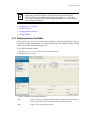
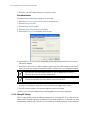
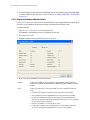
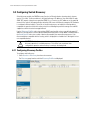
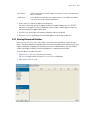
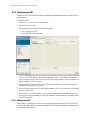
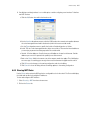
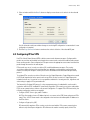
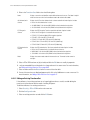
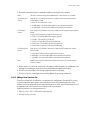
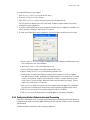
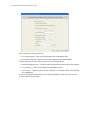
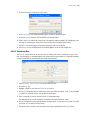
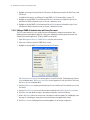
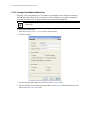
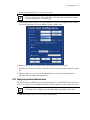
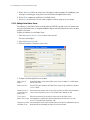
To configure GRE tunnelling on the switch:
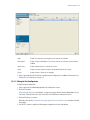
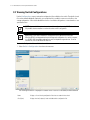
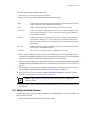
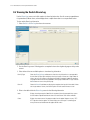
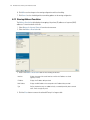
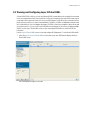
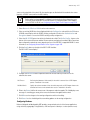
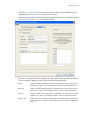
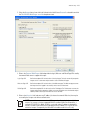
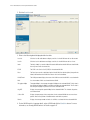
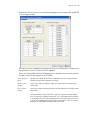
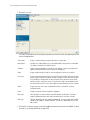
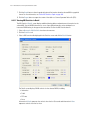
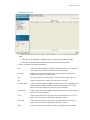
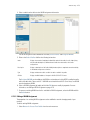
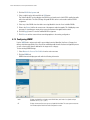
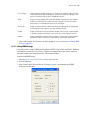
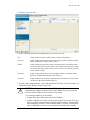
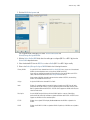
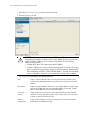
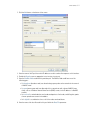
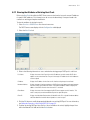
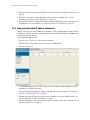
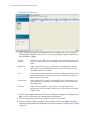
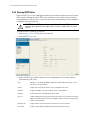
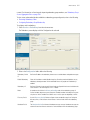
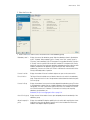
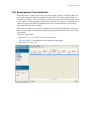
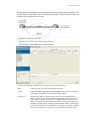
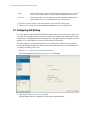
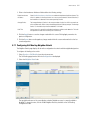
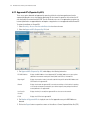
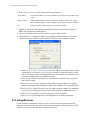
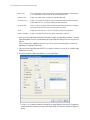
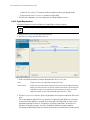
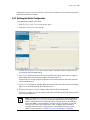
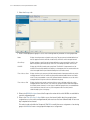
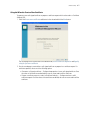
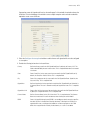
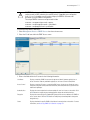
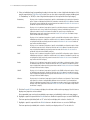
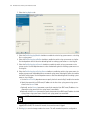
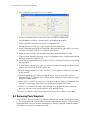
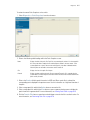
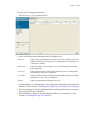
1. Select Services > GRE Tunnels from the main menu tree.
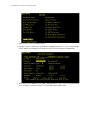
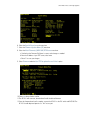
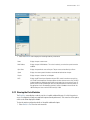
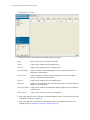
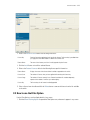
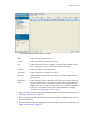
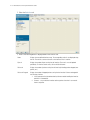
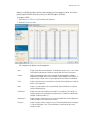
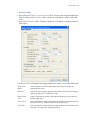
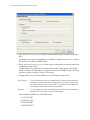
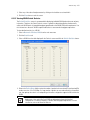
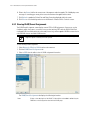
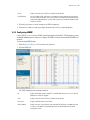
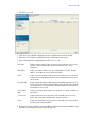
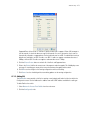
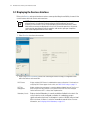
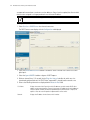
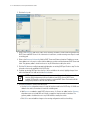
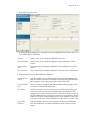
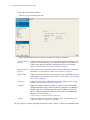
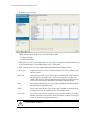
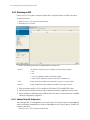
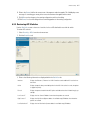
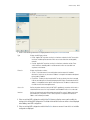
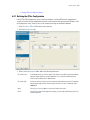
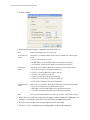
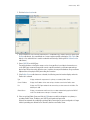
The GRE Tunnels screen displays with existing GRE tunnels.
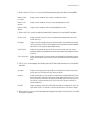
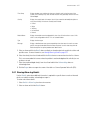
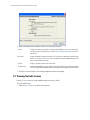
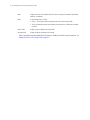
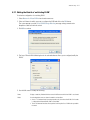
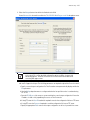
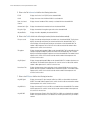
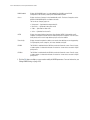
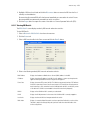
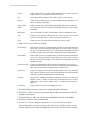
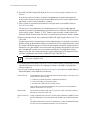
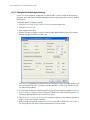
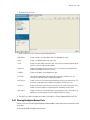
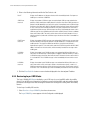
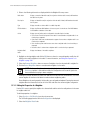
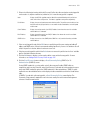
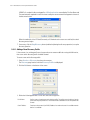
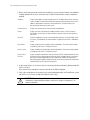
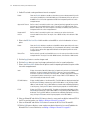
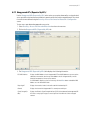
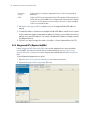
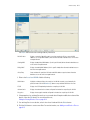
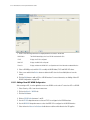
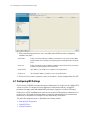
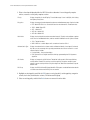
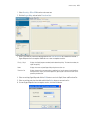
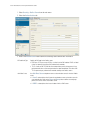
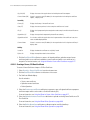
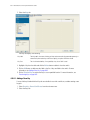
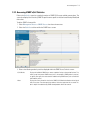
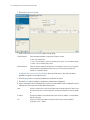
2. Refer to the top portion of the GRE Tunnels screen for the following information:
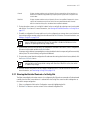
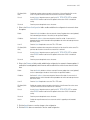
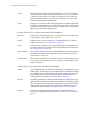
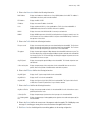
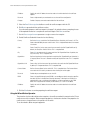
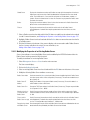
Name
Displays the names of each GRE tunnel defined for the switch.
Source IP
Displays the IP address where packets are originated by the switch and sent out through the
tunnel interface. This defaults to the management VLAN's IP address.
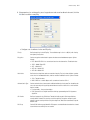
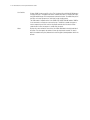
Destinations IP
The destination IP address of the remote end of the GRE tunnel should be the default
gateway for MUs that are associated on WLANs mapped to GRE tunnels. When the switch
receives packets on the GRE tunnel interface, it first decapsulates the outer IP and GRE
headers. An IP lookup is then performed on the destination IP of the inner IP packet using a
MU table. If the lookup succeeds, the IP packet is encapsulated in an 802.11 frame (destined
to the MU's MAC) and sent out on the WLAN port. If the lookup fails, the packet is dropped.
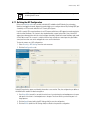
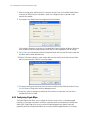
Verify the gateway address has not been set to any VLAN interface used by the switch.