1
MAINTAINING THE PRINTER
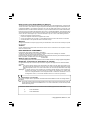
CLEANING
Keep the machine clean to ensure best print quality. You may need to clean the
machine when you notice print quality problems, such as smudging or streaking.
To clean the outside of the machine, use a slightly moistened cloth. Follow
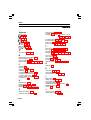
these steps to clean the inside of the machine:
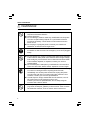
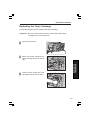
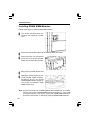
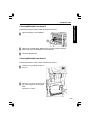
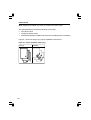
1
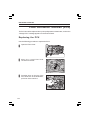
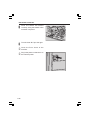
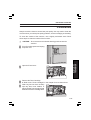
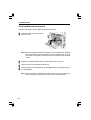
Turn off machine power and unplug
its power cord.
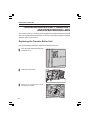
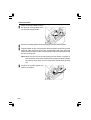
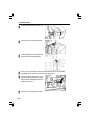
2
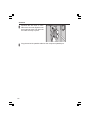
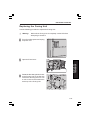
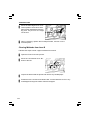
Open the Front Cover.
3
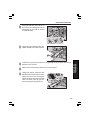
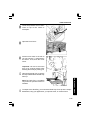
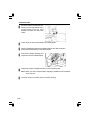
4
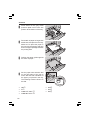
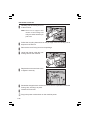
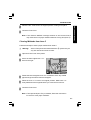
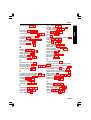
Remove the Toner Cartridge.
☛ Refer to the “Toner Cartridges” in this chapter for more instructions.
MAINTAINING
THE PRINTER
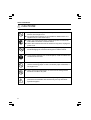
R CAUTION: Do not use ammonia-based cleaning products near the
machine.
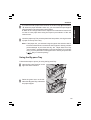
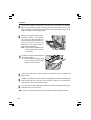
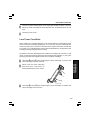
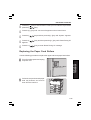
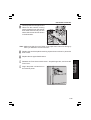
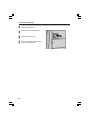
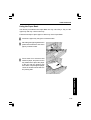
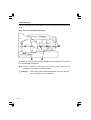
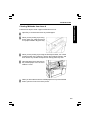
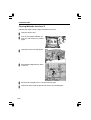
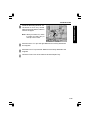
With a dry, lint-free cloth, carefully
wipe any dust, toner residue, or
paper residue from the paper path
areas and the Toner Cartridge area.
3-17