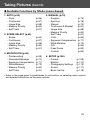
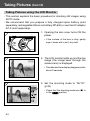
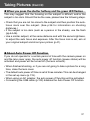
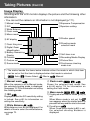
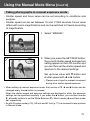
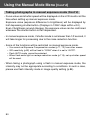
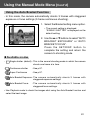
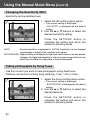
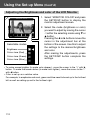
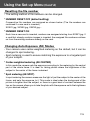
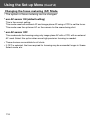
1
Using the Shooting Menu (cont’d)
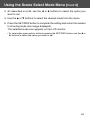
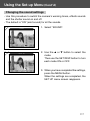
3
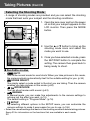
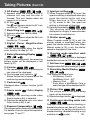
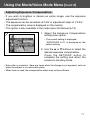
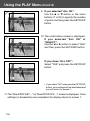
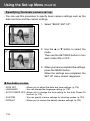
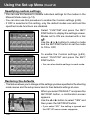
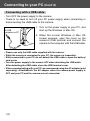
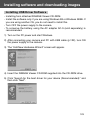
3. Use the 왗 or 왘 buttons to select the
option you want to set.
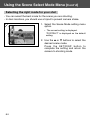
4
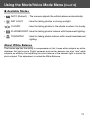
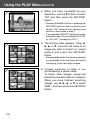
4. Use the 왖 or 왔 buttons to select the
desired mode from the menu.
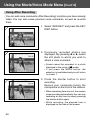
5
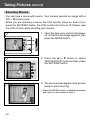
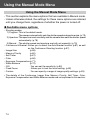
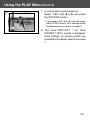
5. Press the SET/DISP. button to
complete the setting and return the
camera to shooting mode (live image
displayed).
The selected mode icon appears on the
LCD monitor.
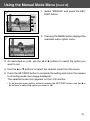
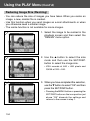
• To set another menu option, without
pressing the SET/DISP. button, use the 왗
or 왘 buttons to select the option you want
to set.
55