1
3
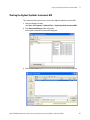
Using the Agilent Synthetic Instrument GUI
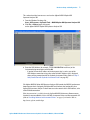
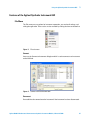
Disconnect
Terminates the connection to the active instrument that is using the
Synthetic Instrument GUI.
Load Settings
Accesses the Load Instrument Properties dialog box where you can recall user-definable
instrument settings.
Save Settings
Accesses the Save Instrument Properties dialog box where you can save instrument
settings for use at a later time.
Exit
Closes the Agilent Synthetic Instrument GUI application.
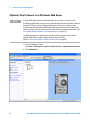
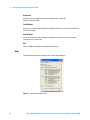
Help
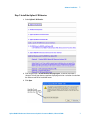
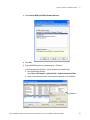
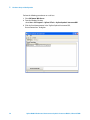
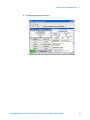
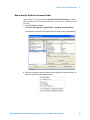
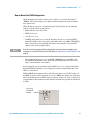
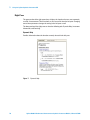
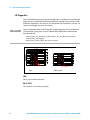
The Help menu displays the current versions of the GUI and drivers.
Figure 5
68
Help About Synthetic GUI
Agilent N8201A Performance Downconverter Synthetic Instrument Module, 3 Hz to 26.5 GHz