1
01-Optional IS-12.fm Page 17 Thursday, April 20, 2000 6:45 AM
Basic Scanning Procedure
3
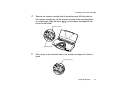
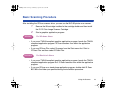
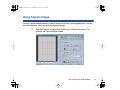
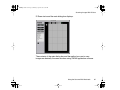
The first time you use the scanner, you need to perform the White Level
Calibration.
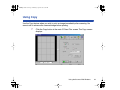
Using the White Calibration Sheet
4
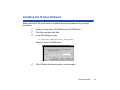
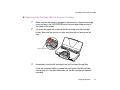
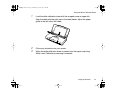
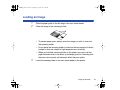
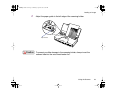
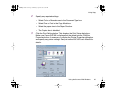
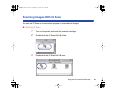
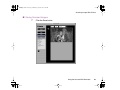
Insert the image you wish to scan into the scanning holder, then load the
scanning holder into the auto sheet feeder.
Loading an Image
5
6
7
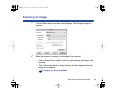
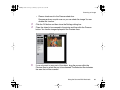
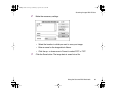
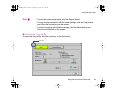
Scan the image.
Windows
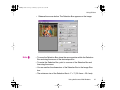
Scanning an Image
Macintosh
Scanning an Image
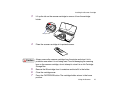
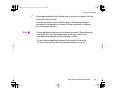
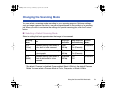
Save the scanned image.
Now you can install the BJ cartridge and print the scanned image.
Using the Scanner
17