1
Paper
Description
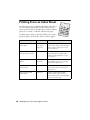
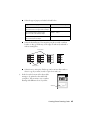
Epson Matte Paper Heavyweight (letter-size)
Heavyweight, ultra-smooth, brightwhite finish; great for printing nonglare photos.
Epson Double-Sided Matte Paper
(letter-size)
Ideal for printing photographic
portfolios that require excellent
image quality and two-sided printing
with no show-through.
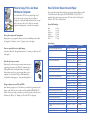
Selecting a Photo and Printing a Template
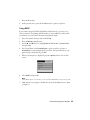
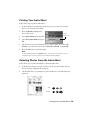
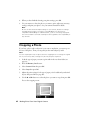
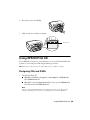
1. Load a memory card (see page 28).
2. Press the Creative Projects button.
3. Choose Select Photo and Print Template, then press OK.
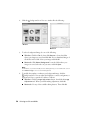
4. Use the l and r arrow buttons to select the photo you want to use, then press
OK.
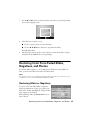
5. At the preview screen, make sure plain paper is loaded in the front tray, then
press OK to print the template selection sheet.
Using the Template Selection Sheet
Follow these steps to print your cards.
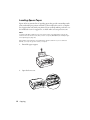
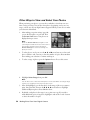
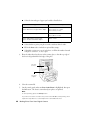
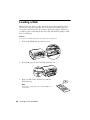
1. Load the type of paper you want to print on in the rear sheet feeder. You can
choose any of the papers listed in the table on page 43.
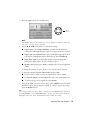
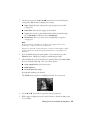
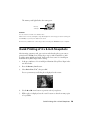
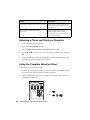
2. On the template selection sheet, use a dark pen or pencil to fill in the ovals
and make your selections.
1
2
ABC
ABC
ABC
ABC
ABC
ABC
ABC
ABC
ABC
ABC
ABC
3
4
5
6
7
ABC
8
9
10
ABC
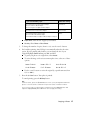
OK:
ABC
ABC
44
Not OK:
Making Prints From Your Digital Camera