1
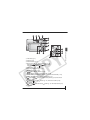
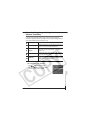
Shooting Close-ups (Macro)
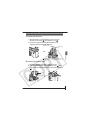
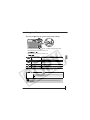
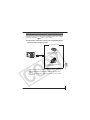
1. Press the
button.
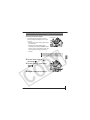
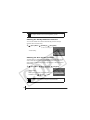
To cancel the macro mode, press the
or
display.
button to turn off the
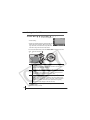
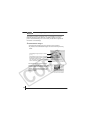
Use this mode to shoot close-ups of flowers or small items.
Macro
Shooting
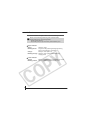
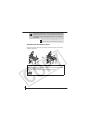
Image Area at Minimum Shooting Distance from End of
Lens to Subject:
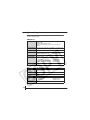
• Maximum wide angle setting: 22 x 16 mm (0.87 x 0.63 in.)
Minimum shooting distance: 1 cm (0.39 in.)
• Maximum telephoto setting: 76 x 57 mm (3.0 x 2.2 in.)
Minimum shooting distance: 25 cm (9.8 in.)
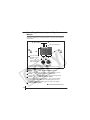
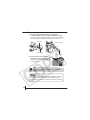
• Use the LCD monitor to compose close-ups in macro mode
since images composed with the viewfinder may be offcenter.
• Check the range of the flash when using it in macro mode
(Advanced Guide p. 127).
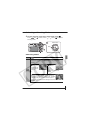
This setting cannot be set in some shooting modes.
Î See the Advanced Guide: Functions Available in Each Shooting Mode (p. 143).
Î See Selecting a Shooting Mode (p. 11).
17