1
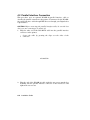
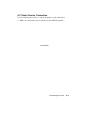
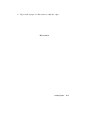
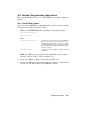
4. Remove the sealing tape from the cartridge by holding the cartridge on
a flat, stable surface and gently pulling the orange tab straight out of
the cartridge.
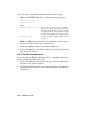
CAUTION: Pull the tab straight out of the cartridge. Pulling the tab at
an angle can snap or cut the sealing tape.
–
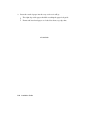
The sealing tape is about 457 mm (18 in.) long and may have toner
on it. If you get toner on your hands or clothing, wash with cold
water and soap.
Discard the sealing tape.
mlo-005812
Installing the EP-L Cartridge
3–5