1
System expansions
Installing/removing a SmartCard reader, WLAN
module or multicard reader (optional, 3½ inch)
Operation of the module is not permitted in Taiwan.
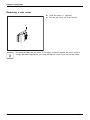
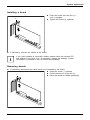
It is possible to install a SmartCard and/or WLAN module for wireless LAN (Local
Area Network) in the drive bay for the 3½ inch drive.
The SmartCard reader and WLAN module can be installed together in the same
module carrier. The two boards can also be installed individually without the
second board. The WLAN module must be installed in the lower slot of the carrier
and the SmartCard reader in the upper slot of the carrier.
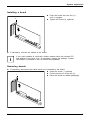
If you want to install the SmartCard reader and the WLAN module
together, install the WLAN module first.
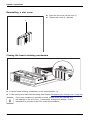
To remove, carry out the above steps in reverse order.
It is also possible to install a multicard reader instead of the module carrier for
the SmartCard reader and/or WLAN module.
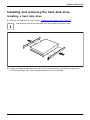
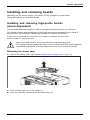
Preparing to install/remove components
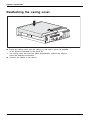
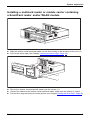
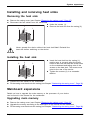
► Remove the casing cover (see Chapter "Removing the casing cover", Page 37) and
take the blanking plate off the drive bay in the casing cover.
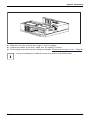
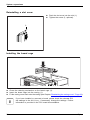
1
1
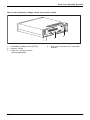
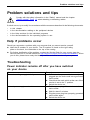
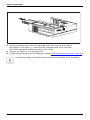
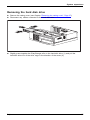
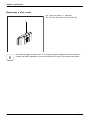
► Remove the cover plate from the drive bay for the 3½-inch drive (1).
Fujitsu
45