1
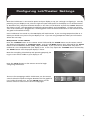
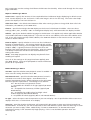
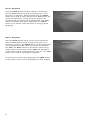
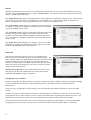
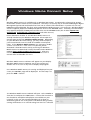
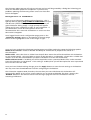
Available – Provides a list of wireless networks available in the area. Only access points or wireless routers
that broadcast SSIDs will be displayed here. Once you select the proper wireless network, press the ‘Select’
button.
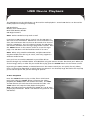
SSID – This field displays the SSID that LinkTheater is specified to connect to. SSIDs can be manually
inputted here in the event that they are hidden. The SSID can automatically be filled in by using the
‘Available’ option above.
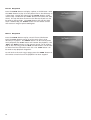
Connection – Specifies whether to use Infrastructure or Ad-hoc mode. Infrastructure networks are more
common and is the recommended setting.
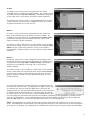
WEP – Specifies whether WEP encryption is used on the wireless network. If used, please select the proper
input mode from the drop down menu or follow the guide below.
WEP
WEP
WEP
WEP
64 ASCII = 5 digit WEP key
64 HEX = 13 digit WEP key
128 ASCII = 10 digit WEP key
128 HEX = 26 digit WEP key
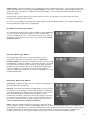
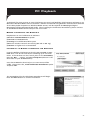
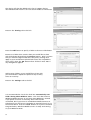
WEP Key – Manually enter the wireless network’s WEP key if it has one. If it does not have one, then leave
this field blank.
Once all of the settings on this page have been applied, press the ‘Save’ button. You may be prompted to
restart the LinkTheater, please do so if prompted.
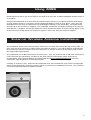
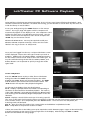
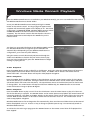
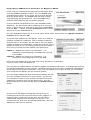
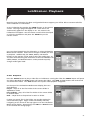
Congratulations, the LinkTheater has been fully configured. Press the ‘HOME’ button on the remote control
to return to the Log In screen. You can now begin using your LinkTheater to play multimedia files.
18