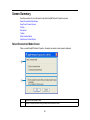
1
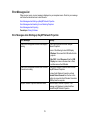
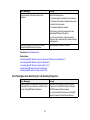
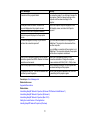
Event
ID
Cause
Remedy
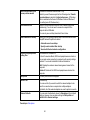
0B01
The built-in storage could not be detected
correctly.
Perform Delete All Internal Data. When the
internal storage is deleted correctly, plugin the
power cord for the projector and turn it on. If it
is not deleted correctly, contact Epson as
described in your projector User's Guide.
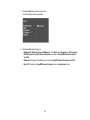
Go to Extended > Whiteboard Settings >
Internal Storage.
0BFF
An error has occurred in the Whiteboard
function.
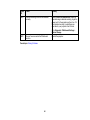
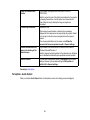
Parent topic: Solving Problems
80
Restart the projector.