1
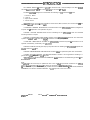
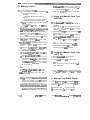
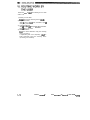
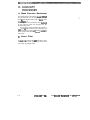
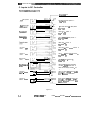
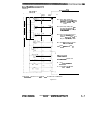
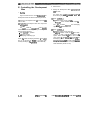
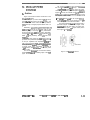
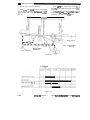
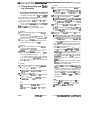
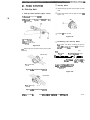
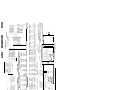
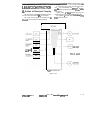
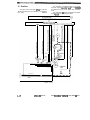
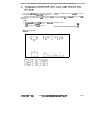
8. Step 6 Separation
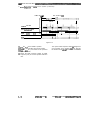
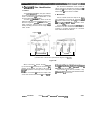
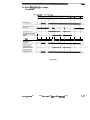
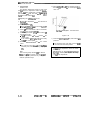
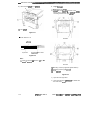
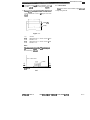
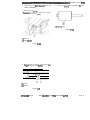
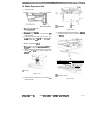
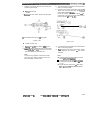
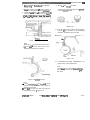
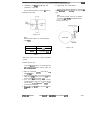
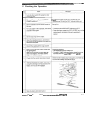
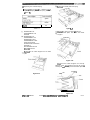
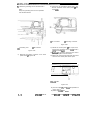
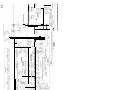
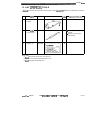
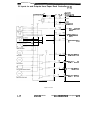
D C bias
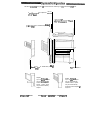
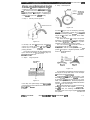
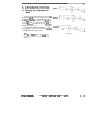
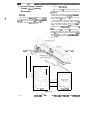
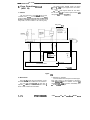
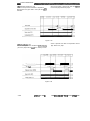
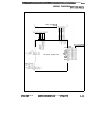
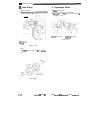
Figure 2-10
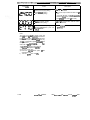
During copy operation, the toner is attracted to
the drum by the work of the surface potential of the
drum as well as the developing bias (at time of
positive component), and it turns the electrostatic
latent image to a visible image. The excess toner is
repelled by the surface potential ofthe drum and the
developing bias (at time of negative component).
A DC bias affects copydensity; a larger bias, Le.,
approaching OV, increases the density but, at the
same time, tends to cause fogging.
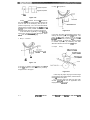
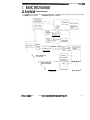
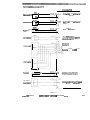
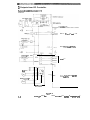
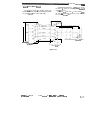
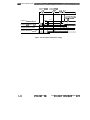
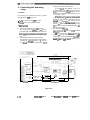
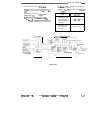
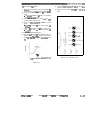
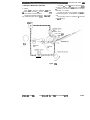
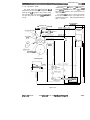
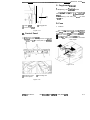
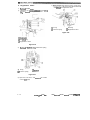
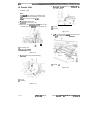
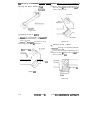
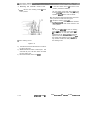
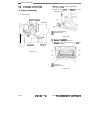
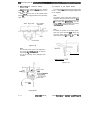
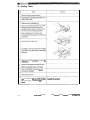
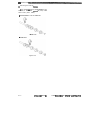
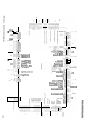
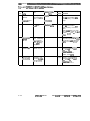
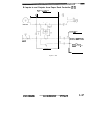
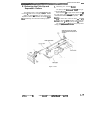
7 Step 5 Transfer
\ Static eliminator
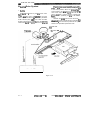
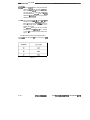
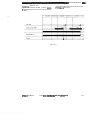
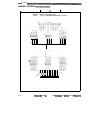
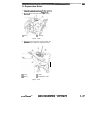
Figure 2-12
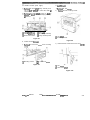
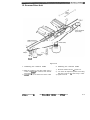
In this step, the paper is separated from the drum
making use of the rigidity of the copy paper. Thin
paper, with little rigidity, however, tends to remain in
contact with the drum; to prevent such a condition,
the static eliminator is charged to a positive potential
to facilitate separation by weakening the static
attraction between the drum and copy paper.
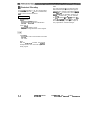
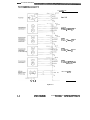
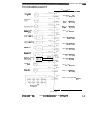
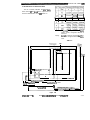
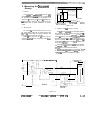
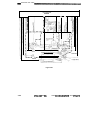
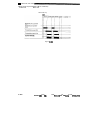
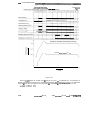
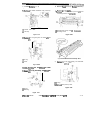
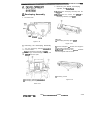
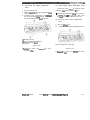
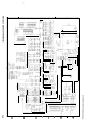
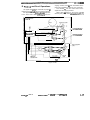
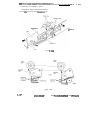
9. Step7
Fixing
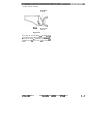
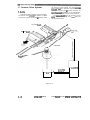
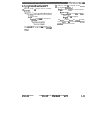
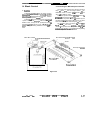
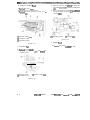
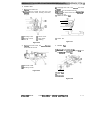
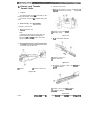
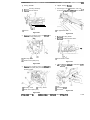
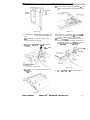
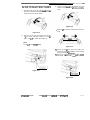
, Oil application roller
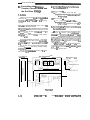
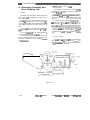
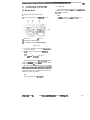
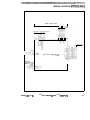
Transfer c o r o n a mi!
-r-L
F-4
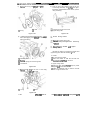
, upper lixing roller
Halogen heater
4
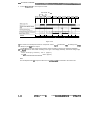
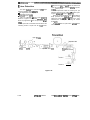
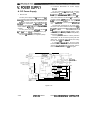
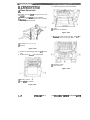
Figure 2-11
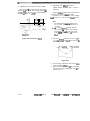
In this step, a negative corona is applied to the back
of the copy paper so as to attract the positively
charged toner to the paper.
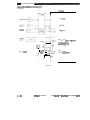
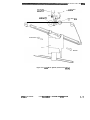
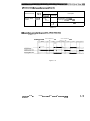
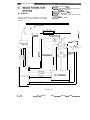
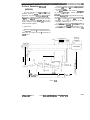
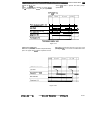
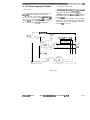
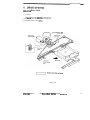
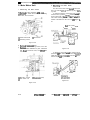
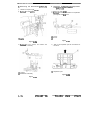
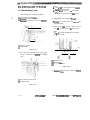
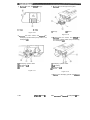
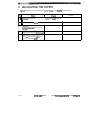
Figure 2-13
In this step, the paper carrying a transfer image
moves between two heated rollers, and the transfer
image is fixed to the paper.
To prevent jams and toner offset, the upper roller
remains in contact with the oil application roller
impregnated with silicone oil.
2-4
COPYAIOHT 6 1992 C A N O N I N C .
C A N O N NP2120/2MO RN.0 MAY 1990 PRINTEO IN JAPAN [IMPRIME AU JAPON)