1
COPY
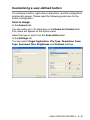
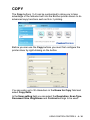
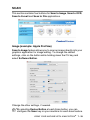
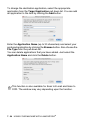
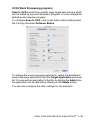
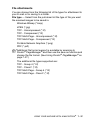
The Copy buttons (1-4) can be customized to allow you to take
advantage of the features built into the Brother printer drivers to do
advanced copy functions such as N-in-1 printing.
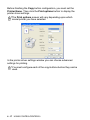
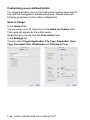
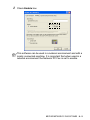
Before you can use the Copy buttons you must first configure the
printer driver by clicking on the button while holding down the Ctrl
key.
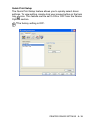
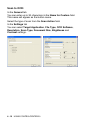
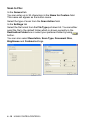
You can enter up to 30 characters in the Name for Copy field and
select Copy Ratio.
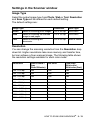
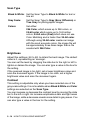
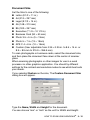
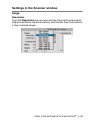
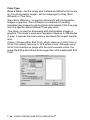
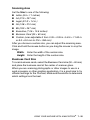
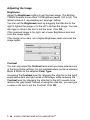
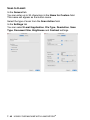
You can select the Resolution, Scan Type, Document Size,
Brightness and Contrast settings to be used.
7 - 44 USING YOUR MACHINE WITH A MACINTOSH®