1
Using Special Applications
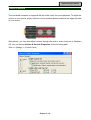
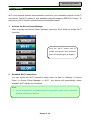
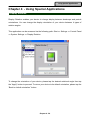
To activate the Control Panel function, please first tap the Control Panel box of a function
key. Then, tap one of the applications in the dropdown list, and the setting will be
completed.
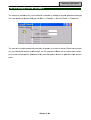
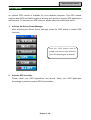
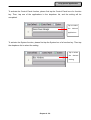
Tap to select the desired application. To activate the System function, please first tap the System box of a function key. Then tap
the dropdown list to select the setting.
Tap to select the desired setting. Chapter 4 ‐ 39