1
10.
Power up the server (on page 17).
Full-height tape drive
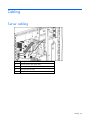
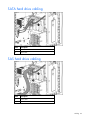
For clarity, the following illustrations include option cabling only.
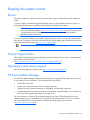
To install the component:
1.
Power down the server (on page 17).
2.
Remove the bezel (on page 18).
3.
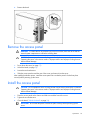
Remove the access panel (on page 19).
4.
Remove the applicable media bay blanks ("Remove a media bay blank" on page 20).
5.
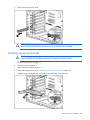
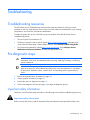
Disengage the two wire supports inside the half-height drive bays.
6.
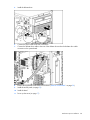
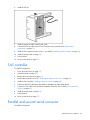
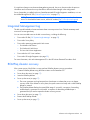
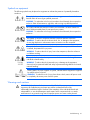
Install the tape drive:
a. Open the upper and lower wire retainers.
b. Install the full-height tape drive.
Hardware options installation
35