1
4CH STANDALONE DVR
Configure
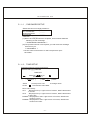
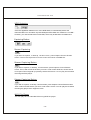
Options Button
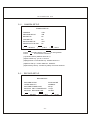
You can change application settings such as MYS file save directory,
or default video mode (NTSC/PAL). To change setting, press Options button
Status Button
Show the status on the screen.
Reset Button
Reset the program.
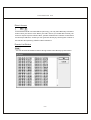
Playback
Once a DVR HDD is selected, the application automatically displays first screen
recorded at the very beginning of it. Then, you can see stream at anywhere within
the valid stream reason.
Channel Selection
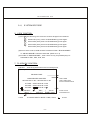
The default screen display channel setting is ALL CHANNEL, which shows all four
channel (if the stream has 4 channel streams) at the same time. If you want to see
a channel only or enlarge one channel, press any channel button you want.
-18-