1
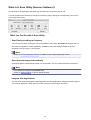
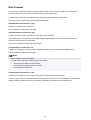
Connect Wirelessly with Ease in "Access Point Mode"
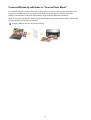
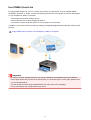
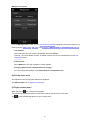
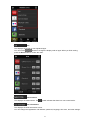
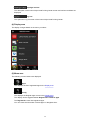
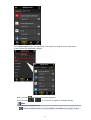
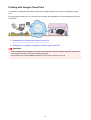
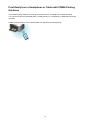
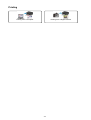
The machine supports "access point mode" in which you can connect to the machine wirelessly from a
computer or smartphone even in an environment without an access point or wireless LAN router.
Switch to "access point mode" with simple steps to enjoy scanning and printing wirelessly.
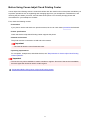
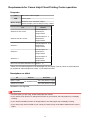
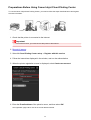
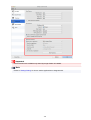
When you use the machine with the access point mode, be sure to specify the access point name of the
machine and the security setting in advance.
Using the Machine with the Access Point Mode
22