1
O P E R AT I O N
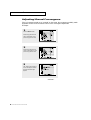
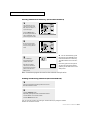
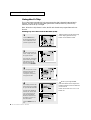
Adjust Red Convergence
4
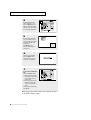
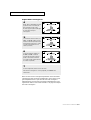
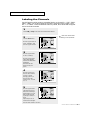
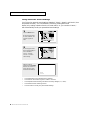
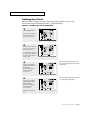
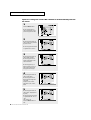
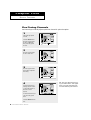
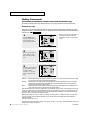
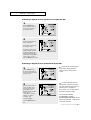
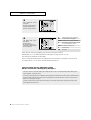
While “Red” is highlighted, press the
joystick to enter: A crosshair pattern will appear on the screen.
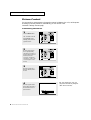
Move the joystick up/down/left/right
to select where to adjust
Convergence.
5
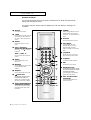
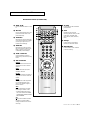
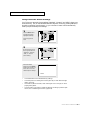
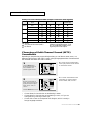
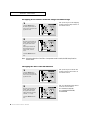
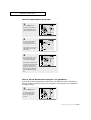
If a horizontal red line is visible, use
CH
and CH
buttons to move
the line so that it is superimposed on
the horizontal center-line (i.e., make
a single horizontal line that is as
white as possible.)
6
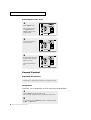
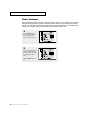
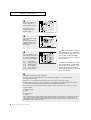
If a vertical red line is visible, use
the VOL + and VOL - buttons to
move the line so that it is superimposed on the vertical-center line
(i.e., make a single vertical line that
is as white as possible.)
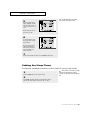
7
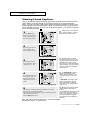
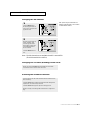
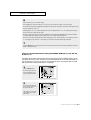
For ‘Blue’ adjustment, do the same as the above.
After the red convergence is correctly adjusted, press Menu to exit
all the menus.
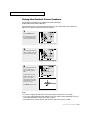
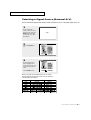
Note: Since the center convergence adjustments can’t be done after
completing the side convergence adjustments, do the center convergence adjustments first. If you have done the side convergence
adjustments first, then end the Convergence Adjustments by pressing the Menu button, Then re-start from No. 3 on page 3.4 to adjust
the center convergence.
CHAPTER THREE: TV OPERATION
3.5