1
DI-624S User’s Manual
Using the Configuration Menu
Advanced > Parental Controls > Per-User Parental Controls (continued)
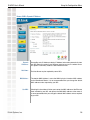
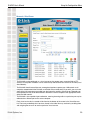
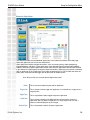
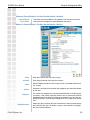
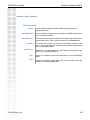
Parental Controls
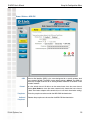
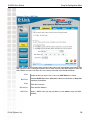
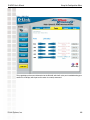
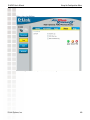
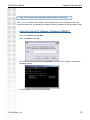
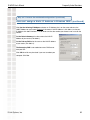
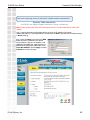
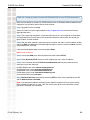
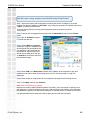
Access Status:
This shows you the complete list of categories and also how many times
traffic from each category has been Blocked or Accessed.
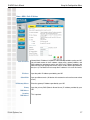
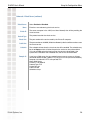
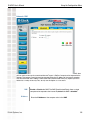
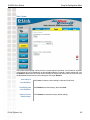
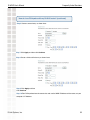
Advanced > Parental Controls > Per-User Parental Controls > Add User
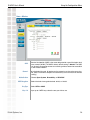
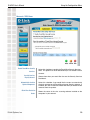
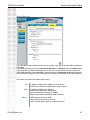
Name:
Password:
Enter the name for your new User account.
Enter the password for your new User account.
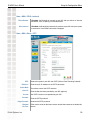
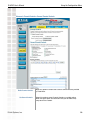
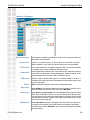
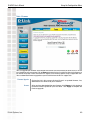
Status:
Select Enabled to make this new account active, or Disabled to deactivate
this account.
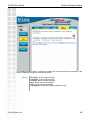
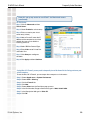
Ratings:
Choose the rating that best matches the categories you would like to block
for this user.
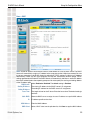
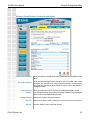
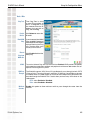
Categories:
This shows the categories that are being blocked based on the Rating that
you chose. If the Custom rating was chosen, you can select from the list of
predefined Potentially Offensive categories to define the type of traffic you
would like to block. Click on More Categories to see a larger list to choose
from.
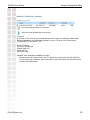
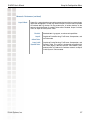
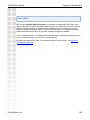
Blocking Schedule:
Specify the days and times that you would like the Parental Control feature
to be active for this user. To remove an entry in the schedule list, highlight
the entry and click Remove.
D-Link Systems, Inc.
33