1
Absolute Measurement Examples
6
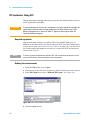
RF Synthesizer Using EFC
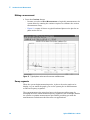
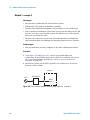
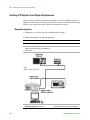
This measurement example will help you measure the absolute phase noise of
an RF synthesizer using EFC.
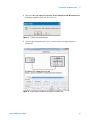
C AU T I O N
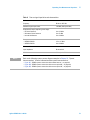
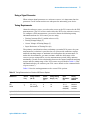
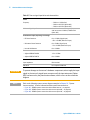
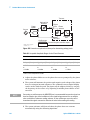
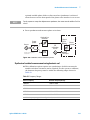
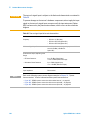
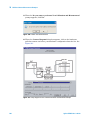
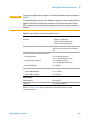
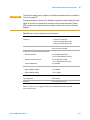
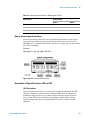
To prevent damage to the test set’s components, the input signal do not apply the
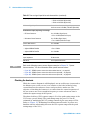
signal input connector until the input attenuator has been correctly set for the
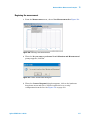
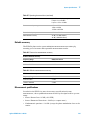
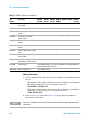
desired configuration, as shown in Table 31. Apply the input signal when the
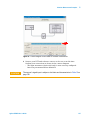
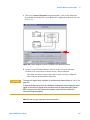
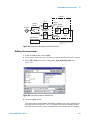
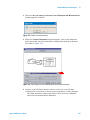
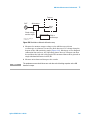
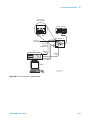
connection diagram appears
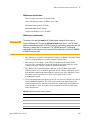
Required equipment
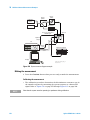
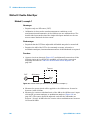
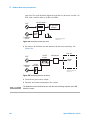
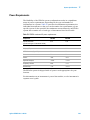
This measurement requires an Agilent 8257x with an EFC Input port, in
addition to the phase noise test system and your DUT. (For more information,
refer to the section “Selecting a reference source" on page 132.) You also need
the coaxial cables and adapters necessary to connect the DUT and reference
source to the test set.
NOTE
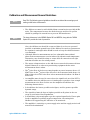
To ensure accurate measurements allow the DUT and measurement equipment to warm
up at least 30 minutes before making the noise measurement
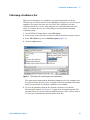
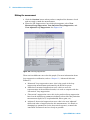
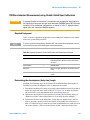
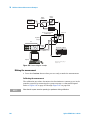
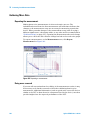
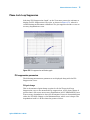
Defining the measurement
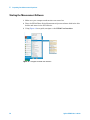
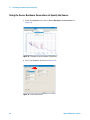
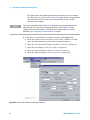
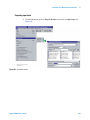
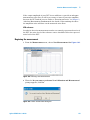
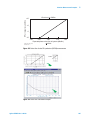
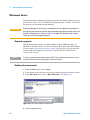
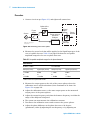
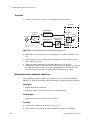
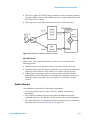
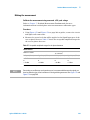
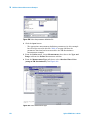
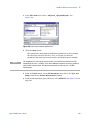
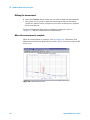
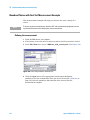
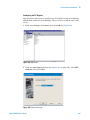
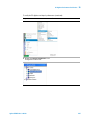
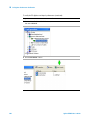
1 From the File menu, choose Open.
2 If necessary, choose the drive or directory where the file you want is stored.
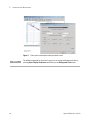
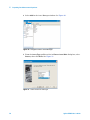
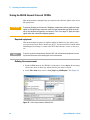
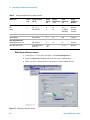
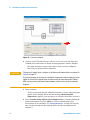
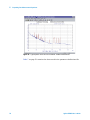
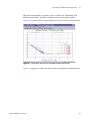
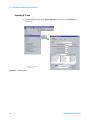
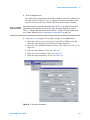
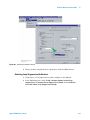
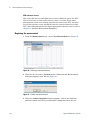
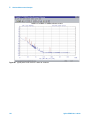
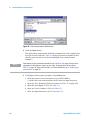
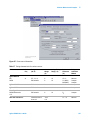
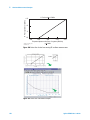
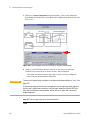
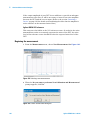
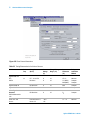
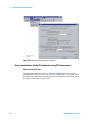
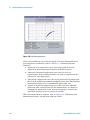
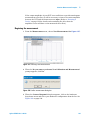
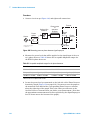
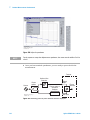
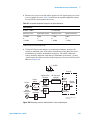
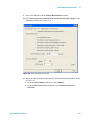
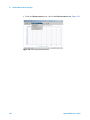
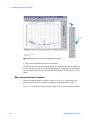
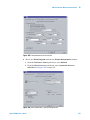
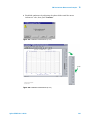
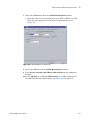
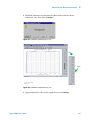
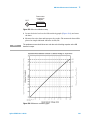
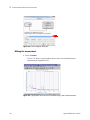
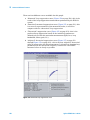
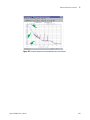
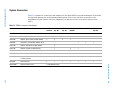
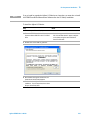
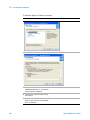
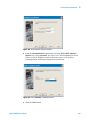
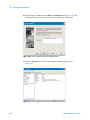
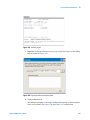
3 In the File Name box, choose “RFSynth_EFC.pnm”. See Figure 120.
Figure 120 Select the parameters definition file
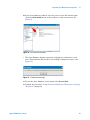
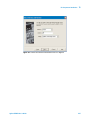
4 Click the Open button.
174
Agilent E5505A User’s Guide