1
A-4
MP6000 INTEGRATOR GUIDE
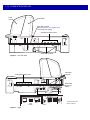
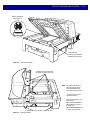
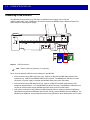
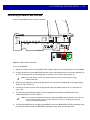
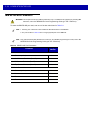
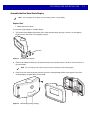
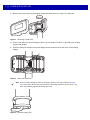
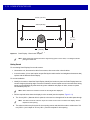
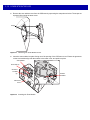
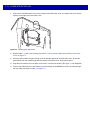
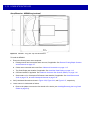
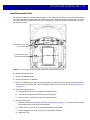
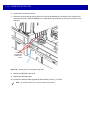
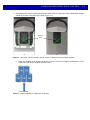
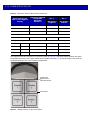
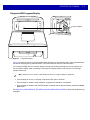
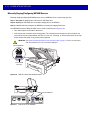
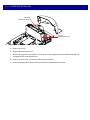
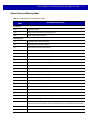
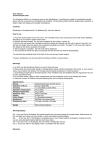
LED PCB
(Underneath Cover)
UI PCB
(Underneath Cover)
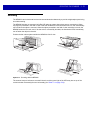
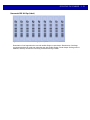
Figure A-3 UI Board and Top LED Board
5.
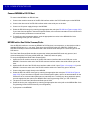
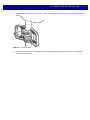
Replace all covers.
6.
Replace the platter on the unit.
7.
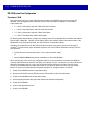
Remove any objects from the platter, or near the unit and re-apply power to the MP6000 and attached
equipment (POS, hand-held scanner).
8.
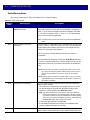
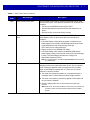
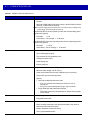
Wait for the unit to boot, and listen for start-up audio indicators.
9.
If the LED display codes persist contact your Motorola qualified Service Provider.