1
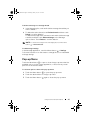
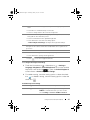
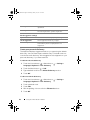
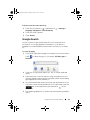
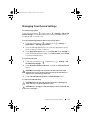
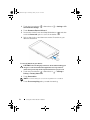
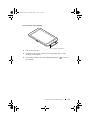
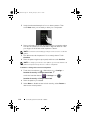
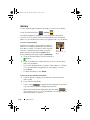
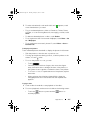
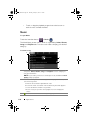
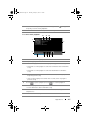
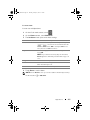
LG7_bk0.book Page 123 Thursday, January 27, 2011 2:16 PM 3 Touch Disconnect on the pop-up menu that appears. To terminate a pairing partnership 1 Touch the Home button Menu button Wireless & networks Bluetooth settings. Settings 2 Touch and hold the name of a paired device. 3 Touch Unpair on the pop-up menu that appears to erase all pairing information with that device. You need to re-enter the password if you want to restore a Bluetooth connection to that device. To change your device’s Bluetooth name 1 Ensure that you have turned on Bluetooth on your device ( icon in the status bar indicates that Bluetooth is enabled). 2 Touch the Home button Menu button Settings Wireless & networks Bluetooth settings Device name. 3 Enter a name to identify the device when you connect using Bluetooth. 4 Touch OK. Applications 123