1
Chapter 5: Connection Mode
5.
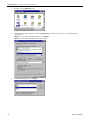
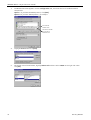
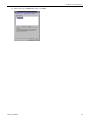
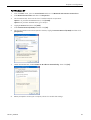
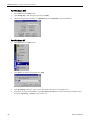
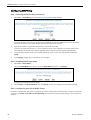
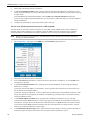
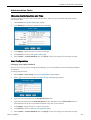
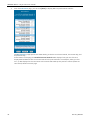
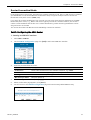
When confirmation page appears, click [Close].
6.
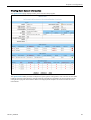
You will return to the ATM(EoA) Config page and see the newly added EoA entry.
3. Enable Bridging function.
1.
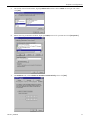
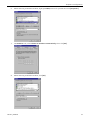
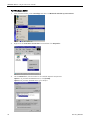
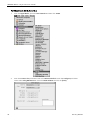
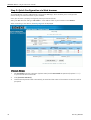
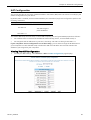
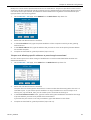
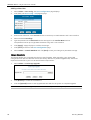
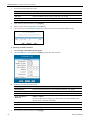
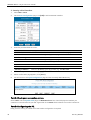
Select Bridge > Bridging to display the Bridge Configuration page.
2.
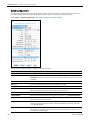
Select eth-0 from the list and click [Add].
3.
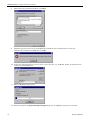
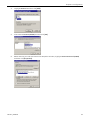
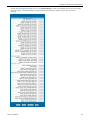
Select the EoA interface to be used (e.g. eoa-0) from the drop-down list, and then click [Add].
4.
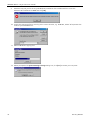
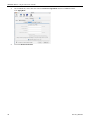
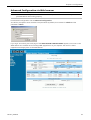
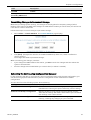
Make sure Enable is selected for Bridging.
5.
Click [Apply]. A page gives a receipt for the changes.
4. LAN configuration.
1.
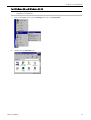
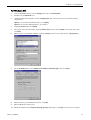
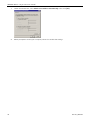
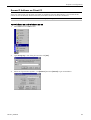
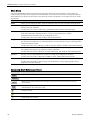
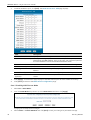
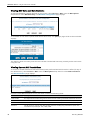
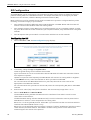
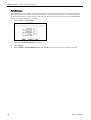
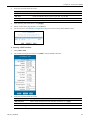
Select Bridge > LAN Config.
2.
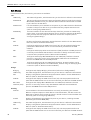
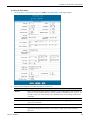
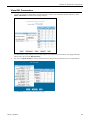
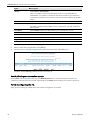
Don’t modify the settings; just keep the default shown as the figure below:
Rev:01_040220
73